1
Part I Inspur Ruijie Server Management Software
Administrator Event Logs:
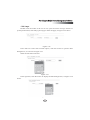
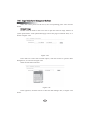
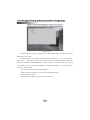
Click [Download] to download and save the alert logs into the local computer in
text format.
Click [Clear] to delete all the received alert logs.
3.3 Management of A Node
3.3.1 Connection to NMAgent
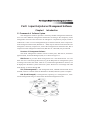
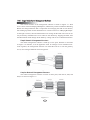
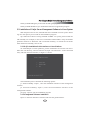
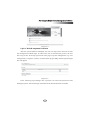
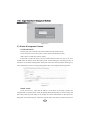
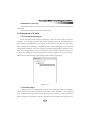
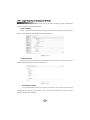
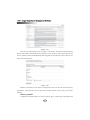
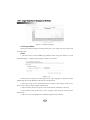
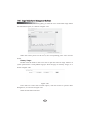
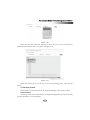
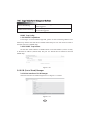
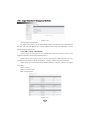
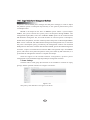
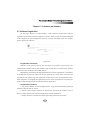
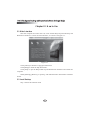
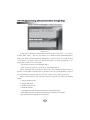
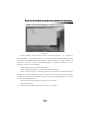
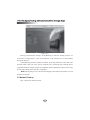
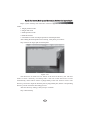
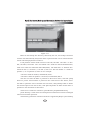
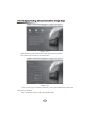
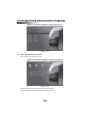
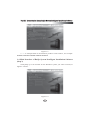
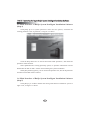
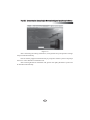
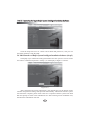
In the server list on the left part of the page, click one server node, as is shown
in Figure 3-17. Double click the node of the managed server. If the NMAgent can
start normally, the NMAgent is connected. At this moment, the user can view some
basic information of NMAgent, including the status of the NMAgent, but can not run
management operations. If the user needs to do further management operations on the
node, for example adding or removing users or alert messages settings, the user has
to log in the NMAgent, and the login link lies at the top right corner of the interface.
Please refer to the instruction of the management software permissions.
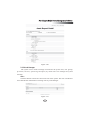
Figure 3-17
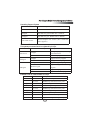
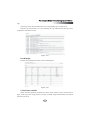
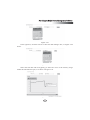
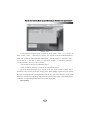
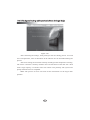
3.3.2 Asset Manager
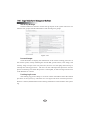
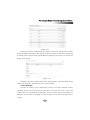
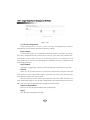
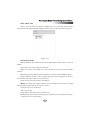
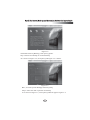
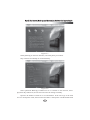
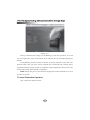
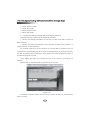
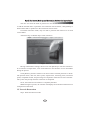
Logging in a server management node, the first displayed is the asset manager
which mainly shows the information of hardware and software on the managed
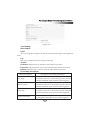
node. The hardware information mainly includes asset summary, CPU information,
physical memory information, network configuration information and storage device
25