1
View the Output
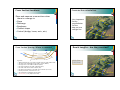
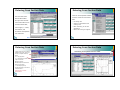
Output: Errors, Warnings, & Notes
Errors: problems that prevents the program from running. The user
Warnings: does not prevent the program from running but the user
must change something.
should examine and review. The user may want to change some input.
Notes: provides information about how the program is performing the
calculations, user should review.
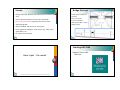
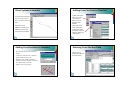
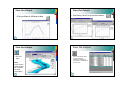
Under “Options”, select “Define
Table” to see more variables
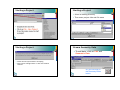
Generate Reports
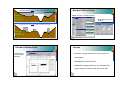
Sample view of the report:
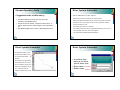
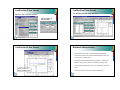
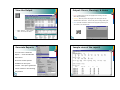
You can select “Generate
Report …” from the HEC-RAS
main menu.
There are several options
available for the report
content. The report generated
can be viewed or the resulting
file printed.
21