1
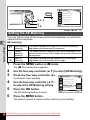
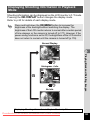
Movie Edit
OK
Save as Still image
Divide Movies
Stitch Movies
MENU
Cancel
OK
OK
OK
OK
MENU
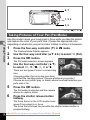
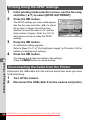
Stitching Movies
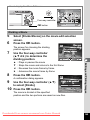
5
6
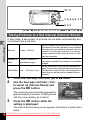
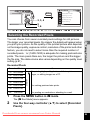
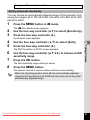
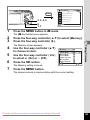
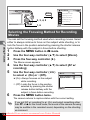
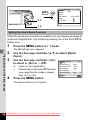
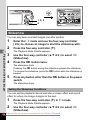
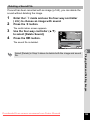
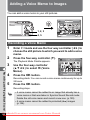
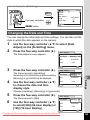
Select [Stitch Movies] on the movie edit selection screen.
Press the 4 button.
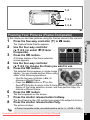
The movie selection screen appears.
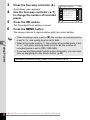
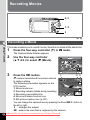
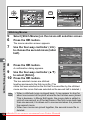
7
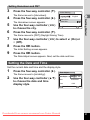
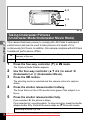
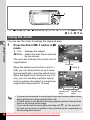
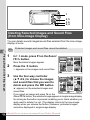
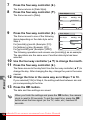
Use the four-way controller (45)
to choose the second movie (latter
half).
100 - 0042
00:20
Choose the second movie
6
Editing and Printing Images
MENU Cancel
8
OK
OK
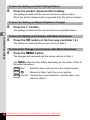
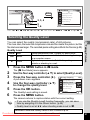
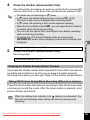
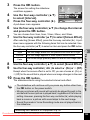
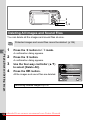
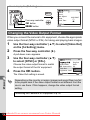
Press the 4 button.
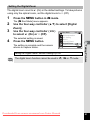
A confirmation dialog appears.
9
10
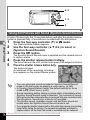
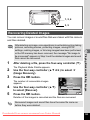
Use the four-way controller (23)
to select [Stitch].
Press the 4 button.
Stitch two movies?
Stitch
Cancel
OK
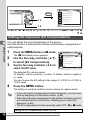
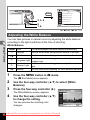
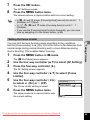
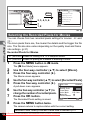
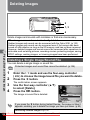
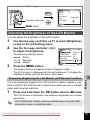
The two selected movies are stitched
together and saved in the first movie file. (The
movie that was selected as the first half is overwritten by the stitched
movie and the movie that was selected as the second half is deleted.)
OK
• When a stitched movie is played back, it may appear to stop for
about one second at the point where the two movies were joined.
This is because, in Movie Edit mode, the movie data is edited in
units of one second, so if the last frame of the first movie lasts less
than one second, it is drawn out to one second when it is joined to
the second movie.
• When two movies are joined together, the second movie file is
deleted.
Downloaded From camera-usermanual.com Pentax Manuals
150