1
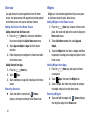
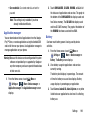
Note: You must enable at least Pattern security before setting
up a VPN. If you have not yet enabled security, you are
prompted to do so the first time you launch VPN
settings.
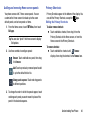
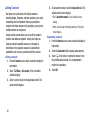
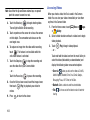
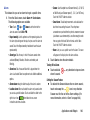
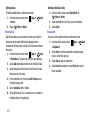
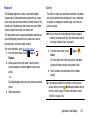
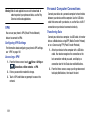
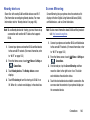
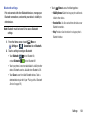
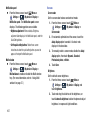
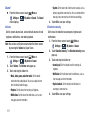
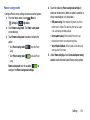
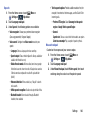
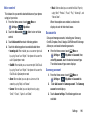
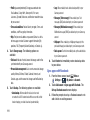
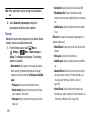
Add VPN network to set up a connection to
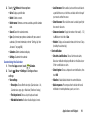
2. Touch
a VPN, using the following settings:
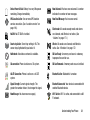
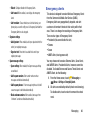
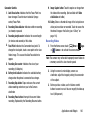
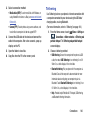
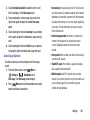
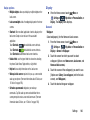
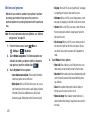
• Name: Enter a name for the VPN connection.
• Type: Choose the type of VPN.
• Server address: Enter the IP address of the VPN server.
• PPP encryption (MPPE): Touch to enable or disable
encryption.
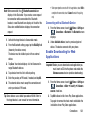
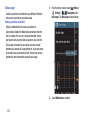
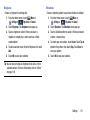
NFC
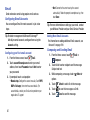
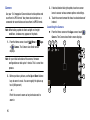
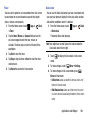
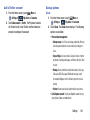
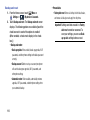
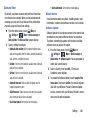
Use NFC (Near Field Communication) to share information
between your phone and another NFC device by touching the
devices together, typically back-to-back.
(For more information about sharing information with NFC,
“S Beam” on page 163.)
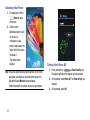
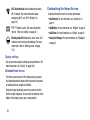
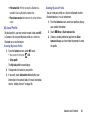
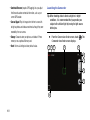
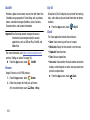
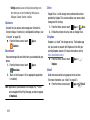
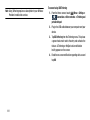
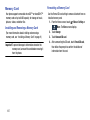
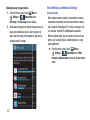
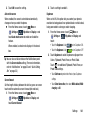
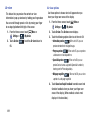
From the Home screen, touch
Menu ➔
Settings ➔
Connections tab and touch the
NFC slider
to turn NFC ON.
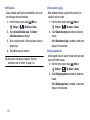
Note: NFC must be turned on to use S Beam.
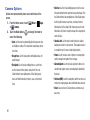
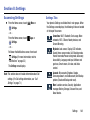
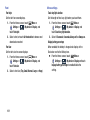
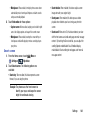
• Touch the NFC slider
to turn NFC OFF.
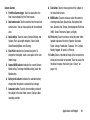
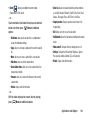
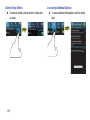
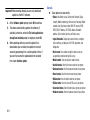
• Show advanced options: Touch to show more options.
Available options depend on the type of VPN you are adding.
Settings
162