1
•
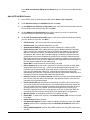
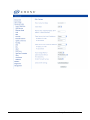
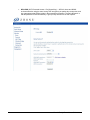
Mixed WPA2 / WPA-PSK — useful during transitional times for upgrades in the home or
SOHO environment, a pre-shared key must be entered along with the group re-key interval
time. Both TKIP and AES are also used.
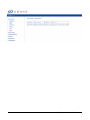
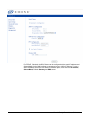
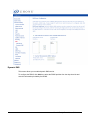
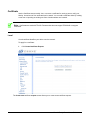
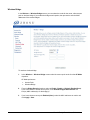
MAC Filter
By default, MAC filter is disabled meaning any WiFi clients with the correct access will be allowed
to access the Access Point. The MAC filter screen allows you to control what WiFi clients are
allowed or deny to access the WiFi Access Point using the MAC address of the devices.
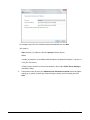
1.
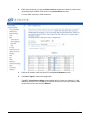
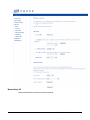
Selected the SSID you want to WiFi client access.
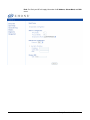
2.
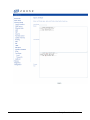
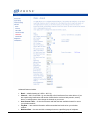
To allow access only a selected WiFi client, select Allow, then click on Add to add the MAC
addresses you want to be able to access the WiFi network.
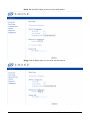
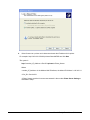
3.
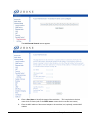
To block certain WiFi Clients from accessing the WiFi network, select Deny, then click Add
to add the MAC address of the WiFi client you want to block from Accessing the WiFi
network.
65xx-A1 Family Router Users Guide
112