1
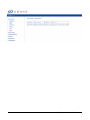
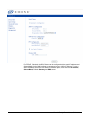
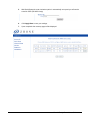
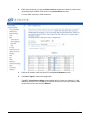
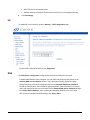
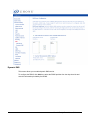
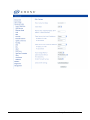
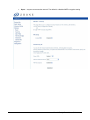
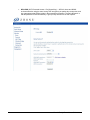
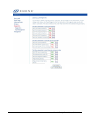
The following example uses a router IP Address as 192.168.1.254, as shown in the LAN Setup
page. Normally, the router default IP address is 192.168.1.1.
2.
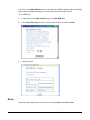
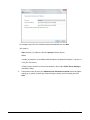
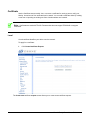
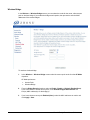
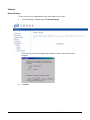
From the Control Panel, Hardware and Sound > Devices and Printers screen click Add a
Printer.
65xx-A1 Family Router Users Guide
80