1
CLI Commands: Security
6.1 Security Commands
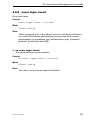
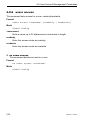
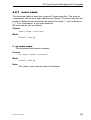
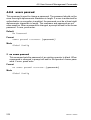
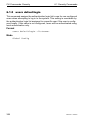
6.1.6 users login
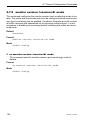
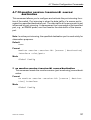
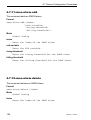
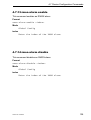
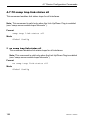
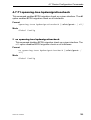
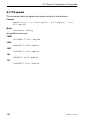
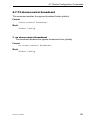
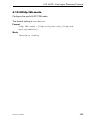
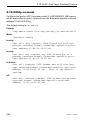
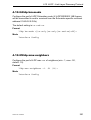
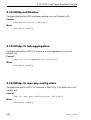
This command assigns the specified authentication login list to the specified
user for system login. The <user> must be a configured <user> and the
<listname> must be a configured login list.
If the user is assigned a login list that requires remote authentication, all access to the interface from all CLI, web, and telnet sessions will be blocked
until the authentication is complete.
Note that the login list associated with the ‘admin’ user can not be changed
to prevent accidental lockout from the switch.
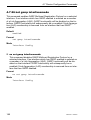
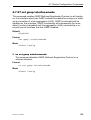
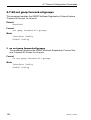
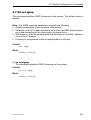
Format
users login <user> <listname>
Mode
Global Config
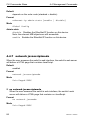
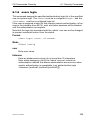
user
Enter user name.
listname
Enter an alphanumeric string of not more than 15 characters.
Note: when assigning a list to the 'admin' account, include an
authentication method that allows administrative access even when
remote authentication is unavailable (use 'authentication login
<listname> [method1 [method2 [method3]]]').
31007130 - 03/2010
355