1
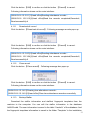
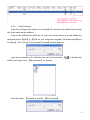
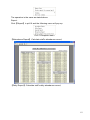
he need to finish all the shifts if it is not arranged the shifts automatically otherwise he will
be regarded as absence ; if you select the【Arrange the shift automatically】,just finishing
one shift of the period is reared as normal attendance.
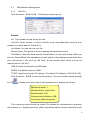
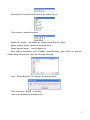
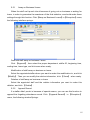
Modify a shift:
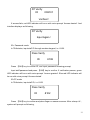
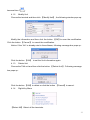
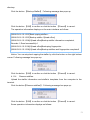
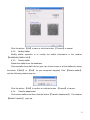
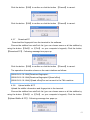
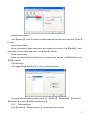
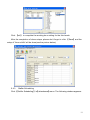
Select the shift to be modified and click【Modify】, and enter new information in
【Shift Name】etc., click【Save】to complete.
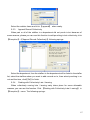
Delete a shift:
Select the shift to be deleted and click 【Delete】.
Example——Three shifts:
Add “Three shifts” Shift (Please note: It is assumed that the shift goes around every
week, cycle every three weeks and staff is on holiday every Saturday and Sunday.)
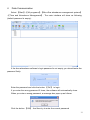
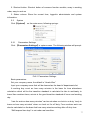
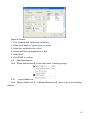
Step 1:
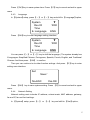
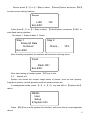
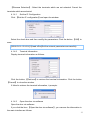
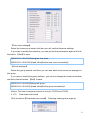
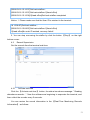
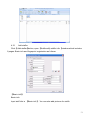
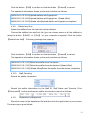
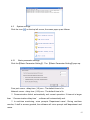
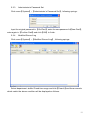
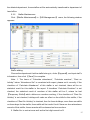
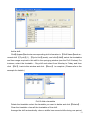
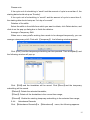
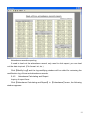
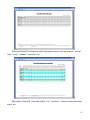
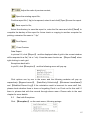
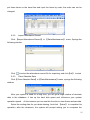
Click【Append】,enter “Three shifts” in 【Shift Name】,set【Cycle】to “3” and 【Cycle
Unit】to “week”. Please see the picture below:
Step2
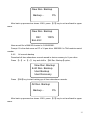
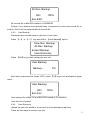
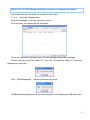
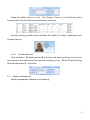
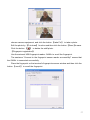
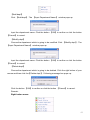
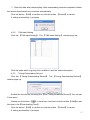
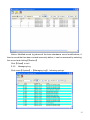
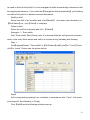
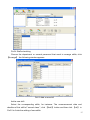
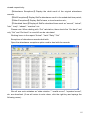
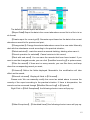
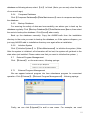
Add corresponding working hour timetable in accordance with “Cycle”: first week
(morning shift, from Monday to Friday)
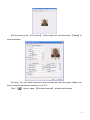
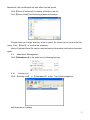
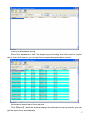
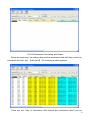
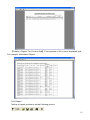
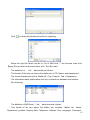
Click【Add】and the following window pops up:
92