1
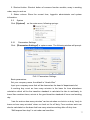
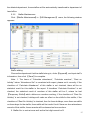
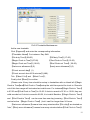
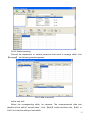
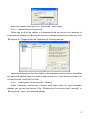
【Add dept】
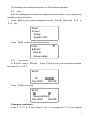
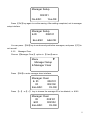
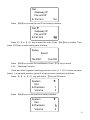
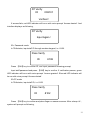
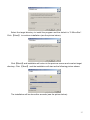
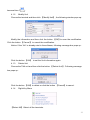
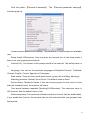
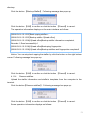
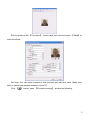
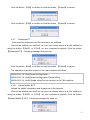
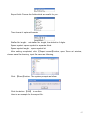
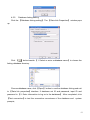
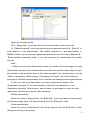
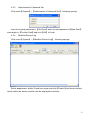
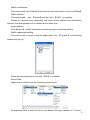
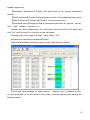
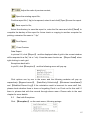
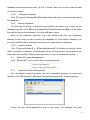
Click 【Add dept】. The 【Input Department Name】 window pops up:
Input the department name. Click the button 【OK】to confirm or click the button
【Cancel】to cancel.
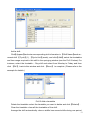
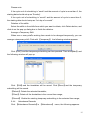
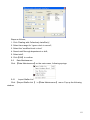
【Modify dept】
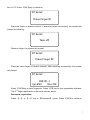
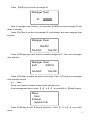
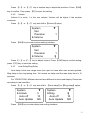
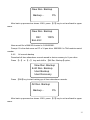
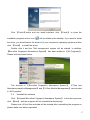
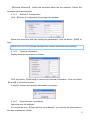
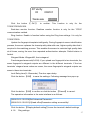
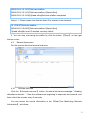
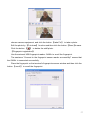
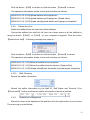
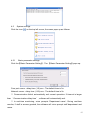
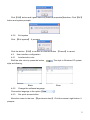
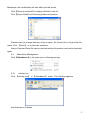
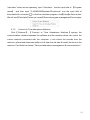
Choose the department which is going to be modified. Click 【Modify dept】. The
【Input Department Name】 window pops up:
Input the department name. Click the button 【OK】to confirm or click the button
【Cancel】to cancel.
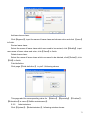
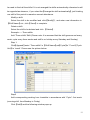
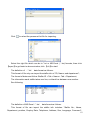
【Delete dept】
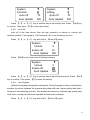
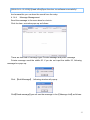
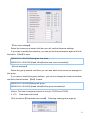
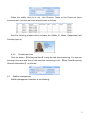
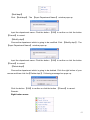
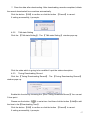
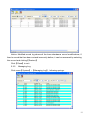
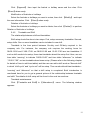
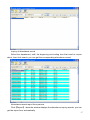
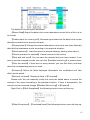
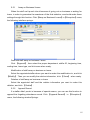
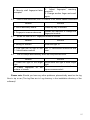
Choose the department which is going to be deleted. Click the right button of your
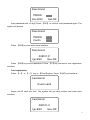
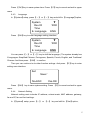
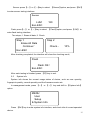
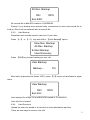
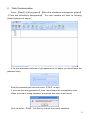
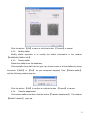
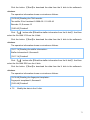
mouse and then click the【Delete dept】. Following message box pops up:
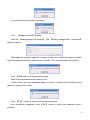
Click the button 【OK】to confirm or click the button 【Cancel】to cancel.
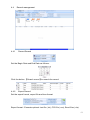
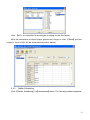
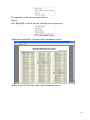
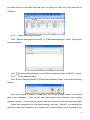
Remark:
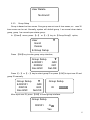
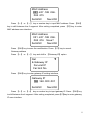
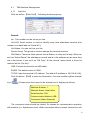
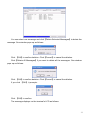
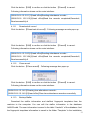
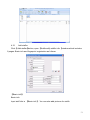
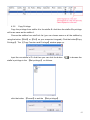
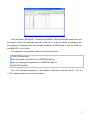
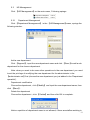
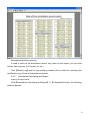
Right button menu:
63