1
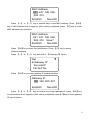
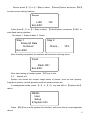
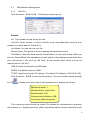
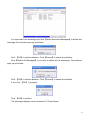
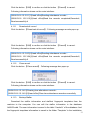
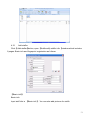
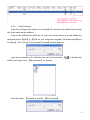
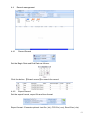
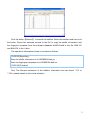
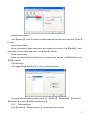
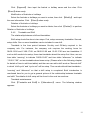
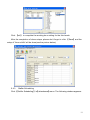
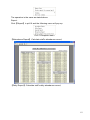
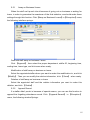
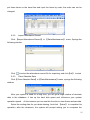
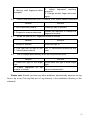
[2009-03-18 15:16:37]Get back staffers...
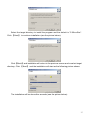
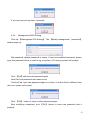
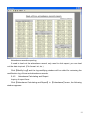
[2009-03-18 15:16:37]Get back staffers:1[Head office]
[2009-03-18 15:16:38]1[Head office]Get back staffers completed
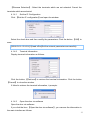
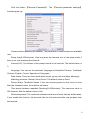
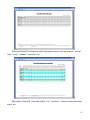
Notice: 1. Please make sure that the User ID is existent in the terminal.
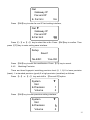
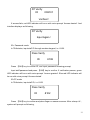
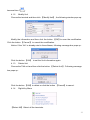
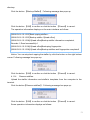
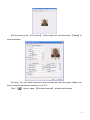
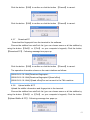
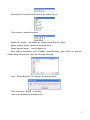
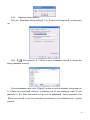
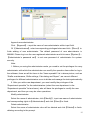
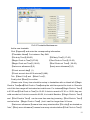
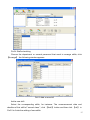
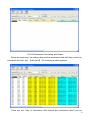
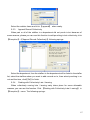
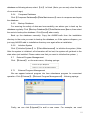
19 15:08:07]Get back staffers...
[2009-03-19 15:08:07]Get back staffers:1[Head office]
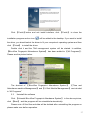
1[Head office]No such ID existed, recovery failed!
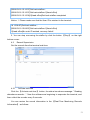
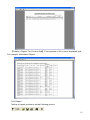
2. You can stop recovering the staffer by click the button 【Stop】 on the right
bottom corner.
4.2
Record Supervision
Get the records from the terminal real-time.
4.2.1
Activate real-time
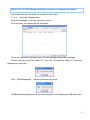
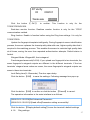
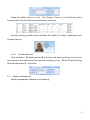
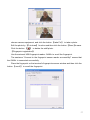
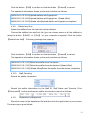
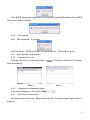
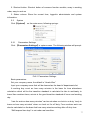
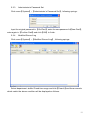
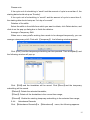
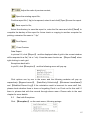
Click the 【Activate real-time】 button, the status bar shows message: ” Reading
attendance records…”. Now the software are beginning to supervise the terminal, and
then collect the records every 5 seconds.
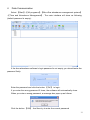
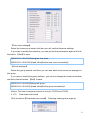
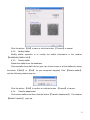
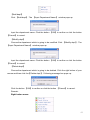
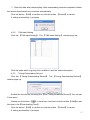
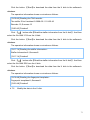
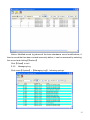
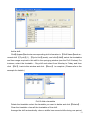
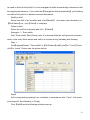
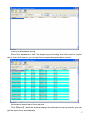
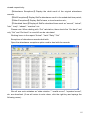
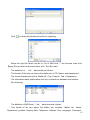
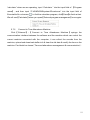
You can review the record information in the 【Real-Time Monitoring Records
Information】 as follows:
52