1
Chapter 4: Web-Based Browser Management
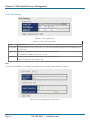
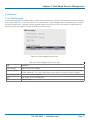
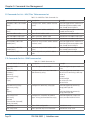
4.1.12.2 Static MAC Forwarding
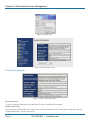
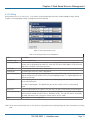
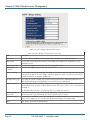
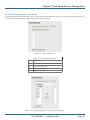
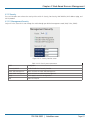
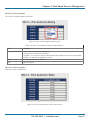
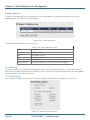
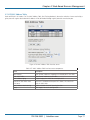
Static MAC Forwarding adds static MAC addresses to hardware forwarding database. If port security is enabled at the Port
Control page, only the frames with MAC addresses in this list will be forwarded; otherwise, they will be discarded.
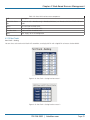
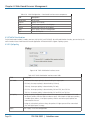
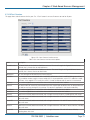
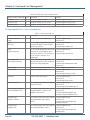
Figure 4-62. Port Security interface screen.
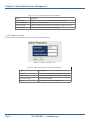
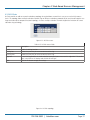
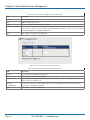
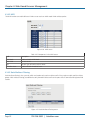
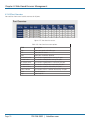
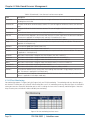
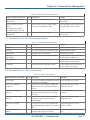
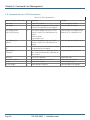
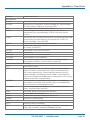
Table 4-45. Port Security interface screen fields.
Field
Description
MAC Address
Input a MAC Address to a specific port.
Port No.
Select a port on the switch.
Add
Type in a MAC address and select a port number from the drop down box, then click on the Add button.
Delete
Delete the entry.
Help
Show the help file.
Page 62
724-746-5500 | blackbox.com