1
HM50
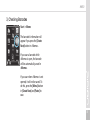
3. Checking Barcodes
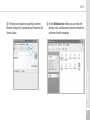
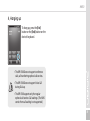
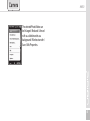
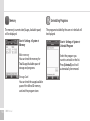
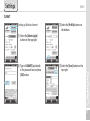
Start ▶ Memo
The barcode’s information will
appear if you press the [Create
New] button in <Memo>.
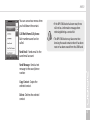
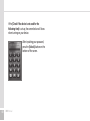
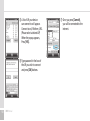
If you scan a barcode while
<Memo> is open, the barcode
will be automatically saved in
<Memo>.
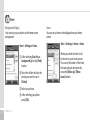
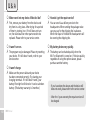
If you scan when <Memo> is not
opened, it will not be saved. To
do this, press the [Menu] button
in [Create New] and [Paste] to
save.
31