1
Home
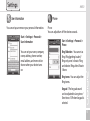
Background Display
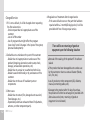
You can set up your photos as the home screen
background.
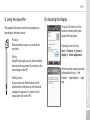
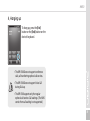
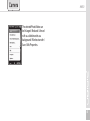
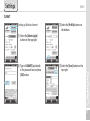
Start ▶ Settings ▶ Home
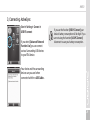
1 After selecting [Use this as
background] press the [Find]
button.
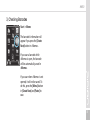
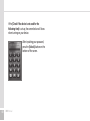
2 Select the folder that has the
photo you want to use in
[Folder].
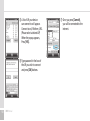
3 Select your photo.
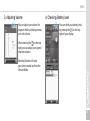
4 After selecting you photo
press [OK].
50
HM50 Manual
Items
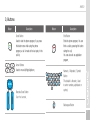
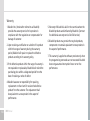
You can set up items to be displayed on your home
screen.
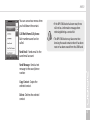
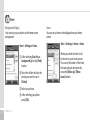
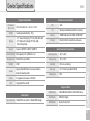
Start ▶ Settings ▶ Home ▶ Items
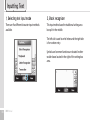
When you check the item it will
be shown on your home screen.
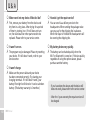
You can set the order of the items
that are going to be shown by
using the [Move up] / [Move
down] button.