1
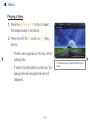
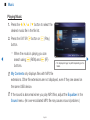
NN When you press the ∂ (Play) button in the file list, the slide show will start
immediately.
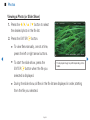
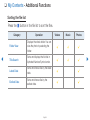
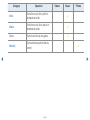
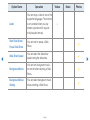
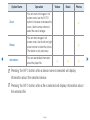
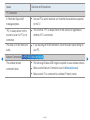
NN During a Slide show, press the TOOLS button to access additional functions
such as Slide Show Speed, Background Music, Zoom, and Rotate.
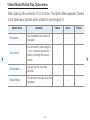
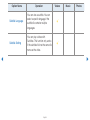
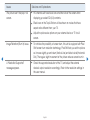
NN You can add background music to a slide show if you have music files on your
USB device or PC by setting Background Music to On in the Tools menu,
and then selecting music files to play.
▶
NN The Background Music cannot be changed until the BGM has finished
loading.
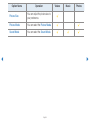
NN You can use the Pause, Stop, and Play buttons on the bottom of your remote
during a slide show.
NN When you press the Stop or Return button, the slide show stops and the main
photo screen re-appears.
English
▶