1
Playing selected music
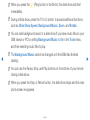
1. Press the { (Edit Mode) button. A check box appears on the left side of all the
music files.
2. Using the arrow keys, highlight a file you want to play, and then press
ENTERE.
NN A c appears in the check box of the selected file.
3. Repeat for each file you want to play.
▶
4. Press the TOOLS button, and then select Play Selected Contents.
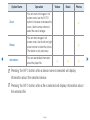
NN You can select or deselect all music by pressing the Select All / Deselect
All. You can select or deselect a single file by pressing the ENTERE
button.
English
▶