1
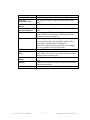
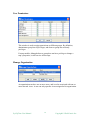
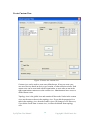
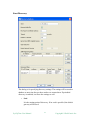
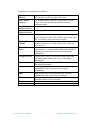
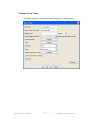
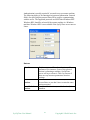
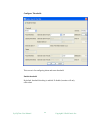
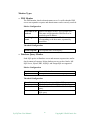
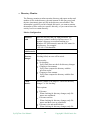
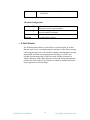
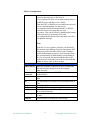
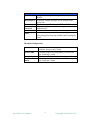
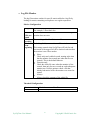
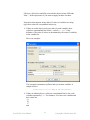
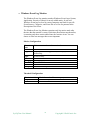
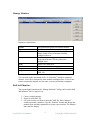
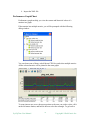
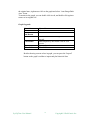
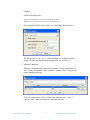
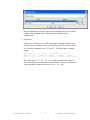
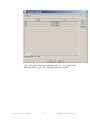
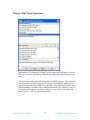
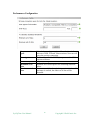
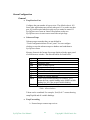
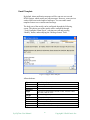
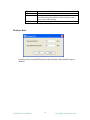
Log File Monitor The log file monitor watches for specific entries added to a log file by looking for entries containing a text phrase or a regular expression. Metrics Configuration: File path No error if file not found File encoding Check from beginning Enter the fully qualified name of the file to be monitored. For example, c:\docs\doc1.doc. If checked, no alarm will be raised when the file being monitor does not exist. The encoding of the file if it is a text file. If checking failed, an error alarm will be raised. This setting controls what SysUpTime will look for and how much of the target file will be checked each time that the monitor is run. Three modes: Never Check only newly added records, starting at the time that the monitor was created (not when the file was created). This is the default behavior. First time only Check the whole file once when the monitor is first created, then only for new records on each subsequent monitor run. Use this option to check a file that already had entries before the monitor was created or started. Always Always check the contents of the whole file. Threshold Configuration: Content match Size SysUpTime User Manual Check the content of the file. Check the size of the file. 57 Copyright iDeskCentric Inc.