1
Airdata 300 11n Wireless ADSL Manual
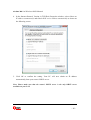
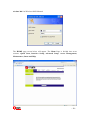
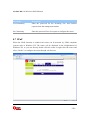
5. Click OK to confirm the setting. Your PC will now obtain an IP address
automatically from your router’s DHCP server.
Note: Please make sure that the router’s DHCP server is the only DHCP server
available on your LAN.
5. Web Management Configuration
Once you have configured your PCs to obtain an IP address automatically, the router’s
DHCP server will automatically give your LAN clients an IP address. By default the
router’s DHCP server is enabled so that you can obtain an IP address automatically.
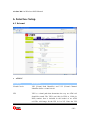
Once your PC has obtained an IP address from your router, enter the default IP address
192.168.2.1 (router’s IP address) into your PC’s web browser and press <enter>
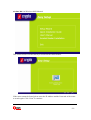
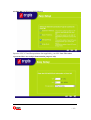
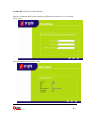
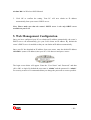
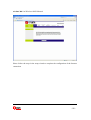
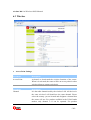
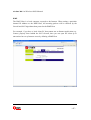
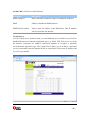
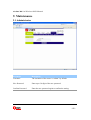
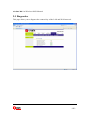
The login screen below will appear. Enter the “User Name” and “Password” and then
click <OK> to login. By default the user name is “admin” and the password is “admin”.
For security reasons it is recommended that you change the password as soon as possible.
- 18 -