1
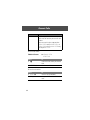
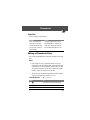
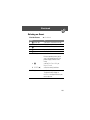
Voice Notes
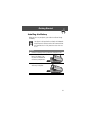
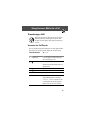
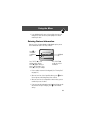
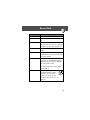
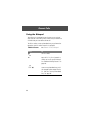
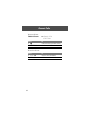
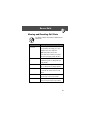
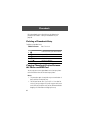
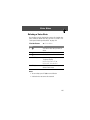
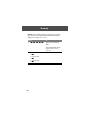
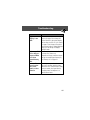
Deleting a Voice Note
You can delete a single unlocked voice note or all unlocked voice
notes. To delete a locked voice note, you must first unlock it. See
“Locking and Unlocking a Voice Note” on page 124.
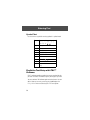
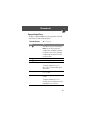
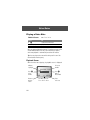
Find the Feature
M > Voice Notes
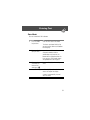
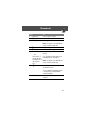
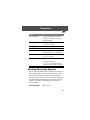
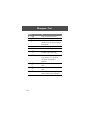
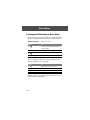
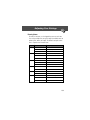
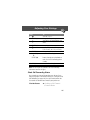
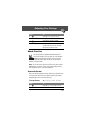
Press
1 S
To
scroll to the voice note you want to
delete
open the Voice Notes Menu
scroll to Delete or Delete All
2 M
3 S
4 SELECT (+)
select the highlighted option
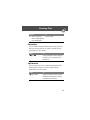
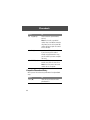
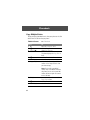
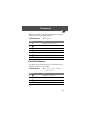
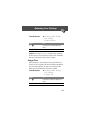
The phone displays
Delete Voice Note X?, or
Delete All Voice Notes?
5 YES (-)
delete the selected voice note, or
delete all voice notes
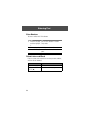
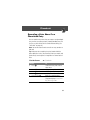
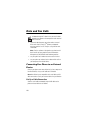
Notes:
• You can always press NO (+) to cancel deletion.
• A deleted voice note cannot be recovered.
125