1
Radio
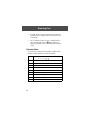
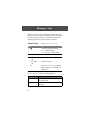
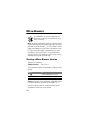
You can use your phone to tune, store presets, and
listen to FM radio stations when the optional Motorola
Original™ FM Stereo Radio Headset accessory is
plugged into the phone’s accessory connector port.
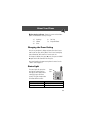
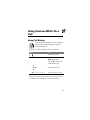
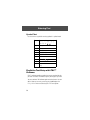
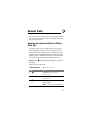
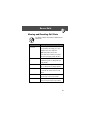
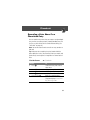
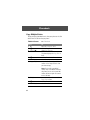
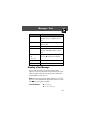
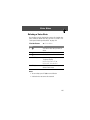
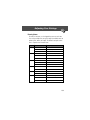
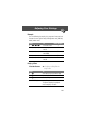
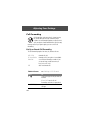
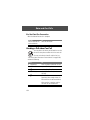
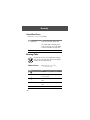
Turning the Radio On and Off
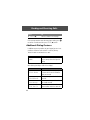
Press
Radio (+)
To
turn the radio on and off
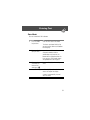
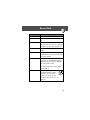
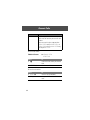
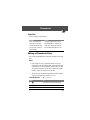
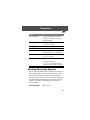
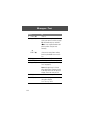
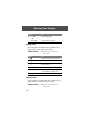
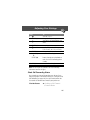
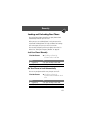
Alternatively, you can use the following procedure:
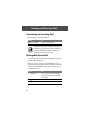
Press
1 M
To
open the menu
scroll to Radio
2 S
3 On (+) or Off (+)
turn the radio on or off
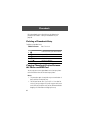
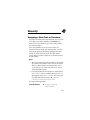
Note: The Radio (+) soft key option and Radio menu feature are
displayed only when the FM Stereo Radio Headset is plugged
into the accessory connector port.
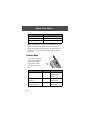
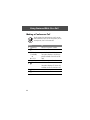
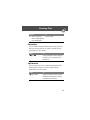
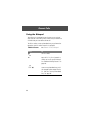
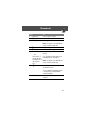
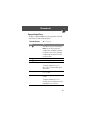
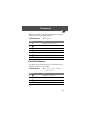
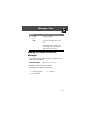
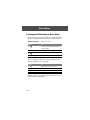
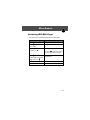
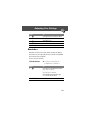
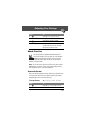
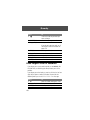
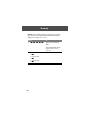
Tuning a Station
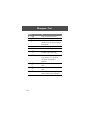
Do This
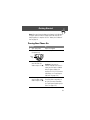
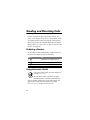
Press S
To
scroll up or down to the next frequency
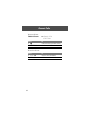
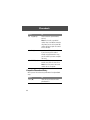
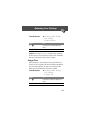
or
Press and hold S
104
scroll up or down to the next available
stereo station