1
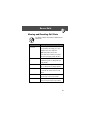
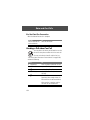
Menu Feature Descriptions
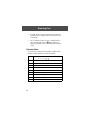
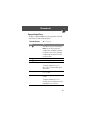
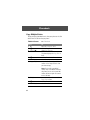
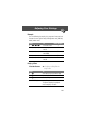
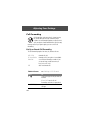
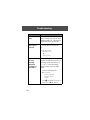
My Caller ID
M > Settings
> In-Call Setup
> My Caller ID
Activate and deactivate the display of your phone
number as an ID when you call someone.
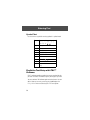
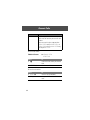
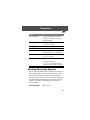
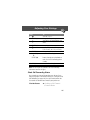
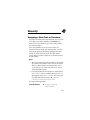
Talk and Fax
M > Settings
> In-Call Setup
> Talk and Fax
Activate and deactivate the talk/fax service.
Use this feature prior to making a call when you want to
talk and then send or receive a fax—all to the same phone
number and within the same call.
You can also use the talk then fax feature to send a fax
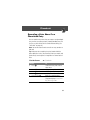
during a call. See “Sending a Talk then Fax Call” on
page 154.
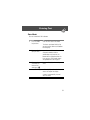
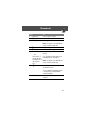
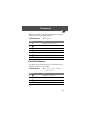
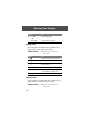
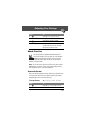
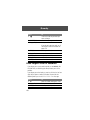
Answer Options
M > Settings
> In-Call Setup
> Answer Options
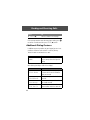
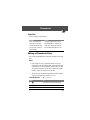
Turn call answering options on or off:
Multi-Key
Answer by pressing any key
Open to Answer
Answer by opening the flip
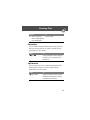
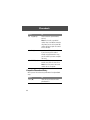
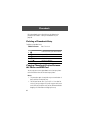
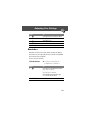
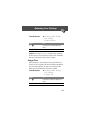
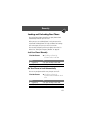
Call Waiting
M > Settings
> In-Call Setup
> Call Waiting
Activate and deactivate call waiting.
70