1
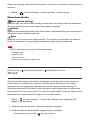
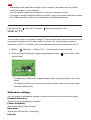
Displays the recordable time of movies and the number of recordable still images for the
inserted memory card.
1. MENU →
[181] How to Use
(Setup) → [Display Media Info.].
Changing settings
Setup menu
Version
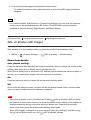
Displays the software version of this product, lens and Mount Adaptor.
1. MENU →
(Setup) → [Version].
[182] How to Use
Changing settings
Setup menu
Certification Logo (Overseas model only)
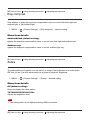
Displays some of the certification logos for this product.
1. MENU →
[183] How to Use
(Setup) → [Certification Logo].
Changing settings
Setup menu
Setting Reset
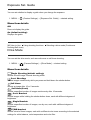
Resets the product to the default settings. Even if you perform [Setting Reset], the recorded
images are retained.
1. MENU →
(Setup) → [Setting Reset] → desired setting.
Menu item details
Camera Settings Reset: