1
Software Installation
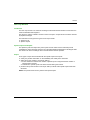
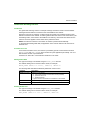
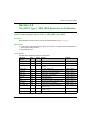
How to Declare the Modbus Plus PCMCIA Card
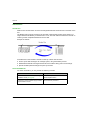
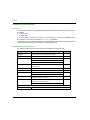
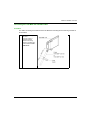
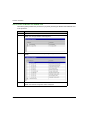
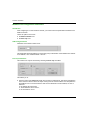
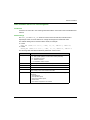
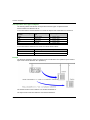
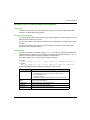
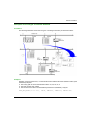
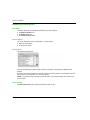
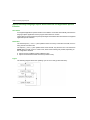
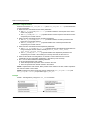
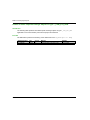
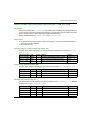
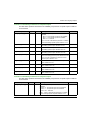
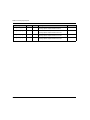
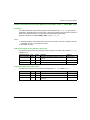
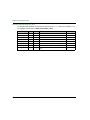
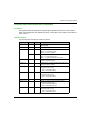
The following table presents the procedure for physically declaring the Modbus Plus PCMCIA card
in the processor.
Step
36
Action
1
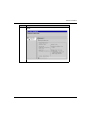
Open the hardware configuration editor.
2
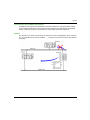
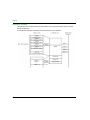
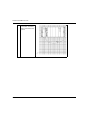
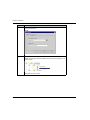
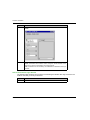
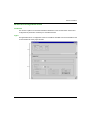
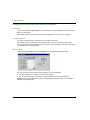
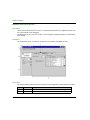
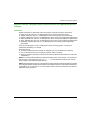
Double click the PCMCIA communication card slot (bottom slot).
Result: The card type selection window appears.
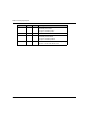
3
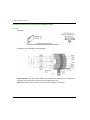
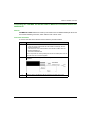
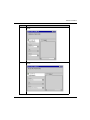
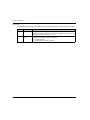
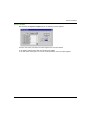
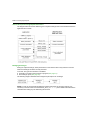
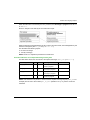
Open up the Communication line by clicking the+ sign.
Result:
4
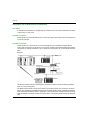
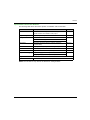
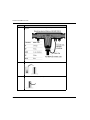
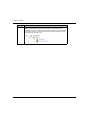
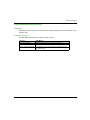
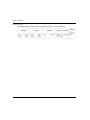
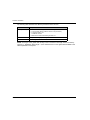
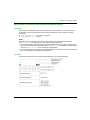
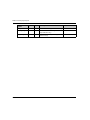
Select the Modbus Plus TSX MBP 100 card and then confirm with OK.
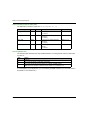
Result: The hardware configuration editor is displayed.
35006188 10/2014