1
Chapter Three: Advanced Features | 63
3.15.Software Options
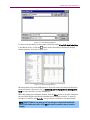
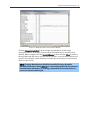
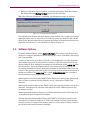
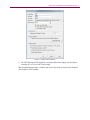
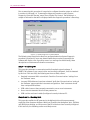
Select further options in the Software Options window, shown in Figure 3-24, by
selecting Options>Software Options.
Figure 3-24: Software Options Window
The Disable “Mobile” section in Details Reports option hides the mobile section in the
details reports. The mobile section can be repetitive if the same mobile is used over a
large number of tests.
The Disable Headers in main grid option hides the gray column headers in the
database grid.
The PDF995 Install Dir option is necessary when you want to use utilities such as the
PDF viewer of the Multi-test Report viewer.
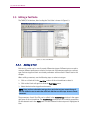
3.16.Customizing Reports with a Company Name and Logo
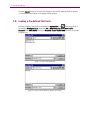
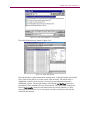
Reports can be customized by embedding a logo bitmap and company name in the
database. The logo bitmap will appear in the upper left corner of each page in a report,
and the company name will appear in the lower left corner of each page in a report. To
select a logo, click the Open button and use the file dialog box to choose a “.bmp” file.
The ideal logo bitmap is 96 pixels in width by 48 pixels in height. Bitmaps larger or
smaller than 48x96 will be resized. To remove a logo from the database, click the
Remove button. Click OK to store the options in the database. Click Cancel to abandon
any changes to the database.
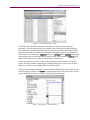
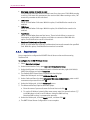
3.17.Report Types
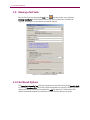
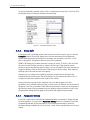
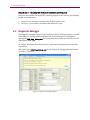
There are three types of reporting tools available in the CDMA Database Viewer: Selected
Fields Report,
, All Parameters and Results Report,
, and Test Errors Report
.