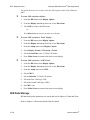
1
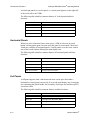
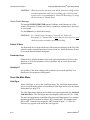
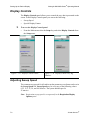
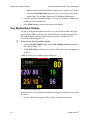
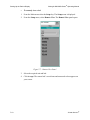
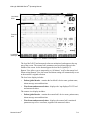
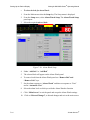
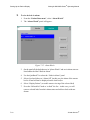
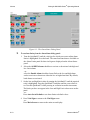
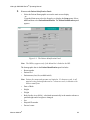
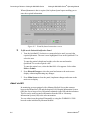
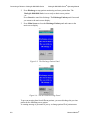
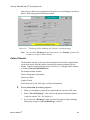
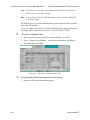
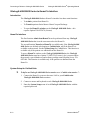
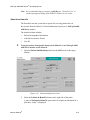
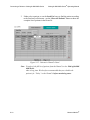
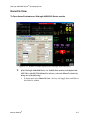
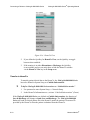
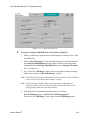
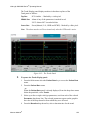
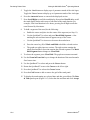
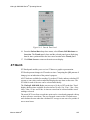
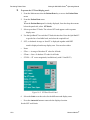
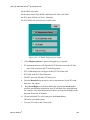
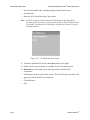
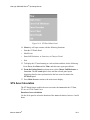
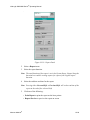
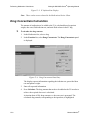
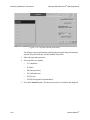
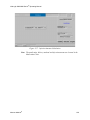
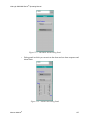
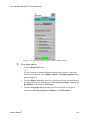
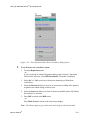
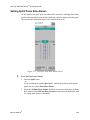
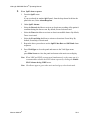
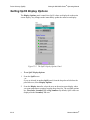
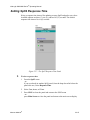
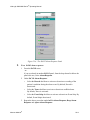
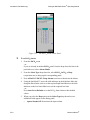
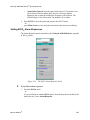
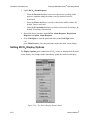
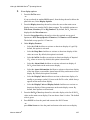
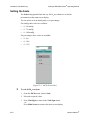
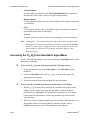
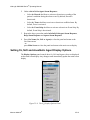
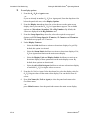
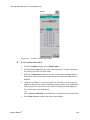
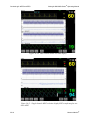
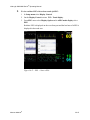
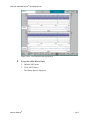
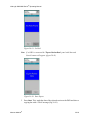
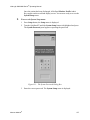
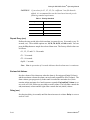
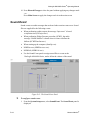
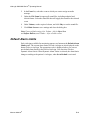
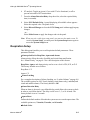
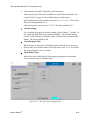
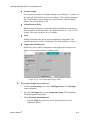
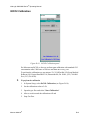
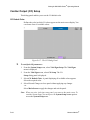
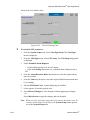
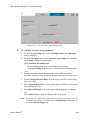
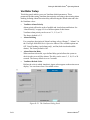
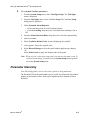
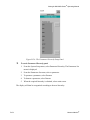
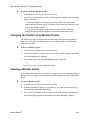
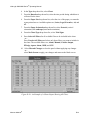
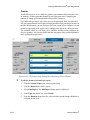
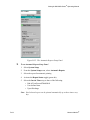
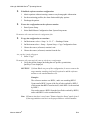
VitaLogik 4000/6000 Series® Operating Manual ECG To select a heart rate source: 1. From the ECG menu –or– if you are already in another ECG dialog panel, from the drop-down menu list below the panel title area, select Heart Rate Source. The ECG Heart Rate Source dialog panel appears. 2. Select the required source. 3. Press Vital Signs to return to the Vital Signs menu, –or– Press Main Screen to return to the main screen display. Note: If Auto Heart Rate source is activated the heart rate will be taken from the first available reliable source with the following priority: ECG, SpO2, ART. Selecting a Filter A filter that changes the bandwidth (a measure of electrical frequencies contained within an electrical signal) can be selected to “clean” any environmental noise or baseline drift from the displayed waveform. The available options are Monitor, Diagnostic, and Exercise. • Monitor - This filter is used in normal monitoring conditions. Artifacts which may cause false alarms are filtered out. • Diagnostic - When this filter is selected, the monitor displays an unfiltered, diagnostic-quality waveform. You can then detect changes in the ECG, such as R-wave notching. • Exercise - This filter implements a narrower bandwidth for situations where there are many movement artifacts or high interference and environmental “noise”. The default option is Monitor. When Diagnostic or Exercise is selected, a message appears on the main screen display. Only one filter can be specified. WARNING!!! 14-24 Do not try to estimate ST when Monitor or Exercise filters are used. Only Diagnostic filter and ST mode provide reliable ECG morphology. Mennen Medical®