1
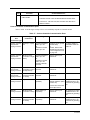
Step
Procedure
Comments/Reference
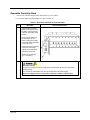
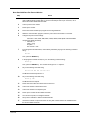
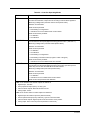
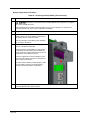
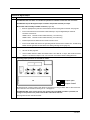
Set IP addresses and
subnet masks.
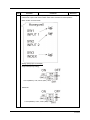
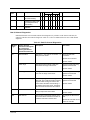
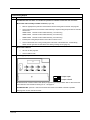
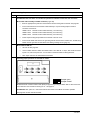
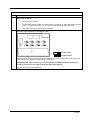
Default IP addresses:
C30/C50: 192.168.1.254 and Subnet Mask of 255.255.255.0.
C70/C75: E1: 192.168.1.254, E2: 192.168.2.254. Must be on
different subnets.
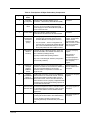
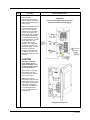
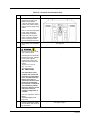
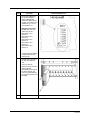
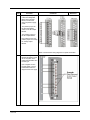
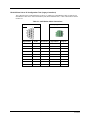
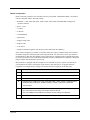
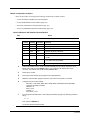
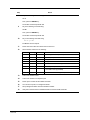
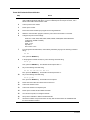
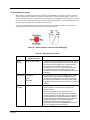
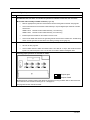
Links to controller communication ports
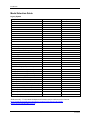
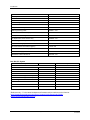
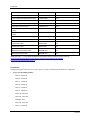
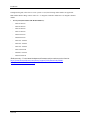
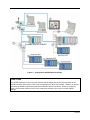
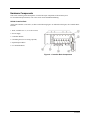
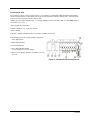
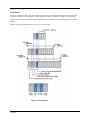
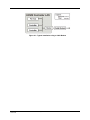
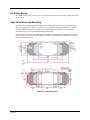
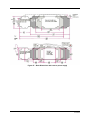
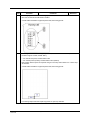
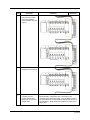
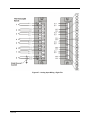
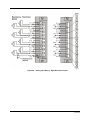
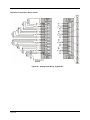
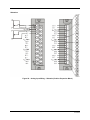
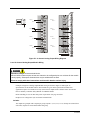
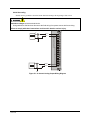
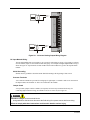
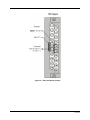
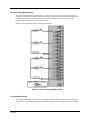
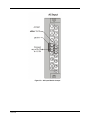
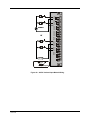
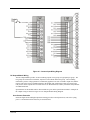
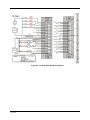
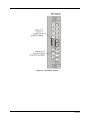
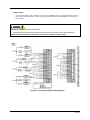
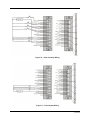
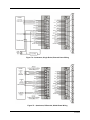
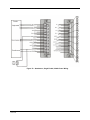
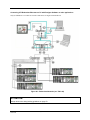
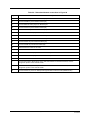
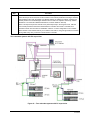
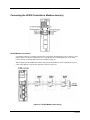
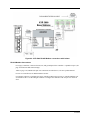
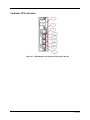
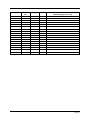
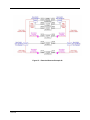
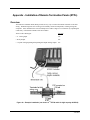
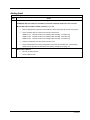
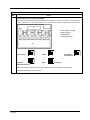
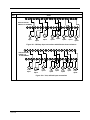
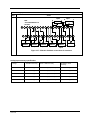
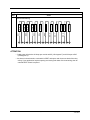
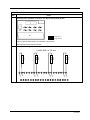
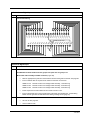
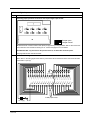
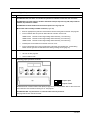
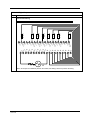
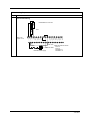
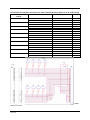
Refer to Table 17 and the figure in Step 2 above. Port availability depends on Controller model.
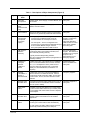
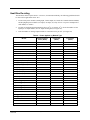
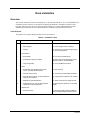
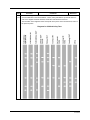
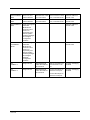
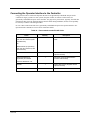
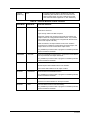
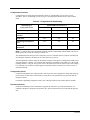
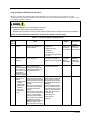
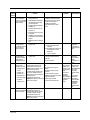
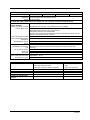
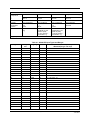
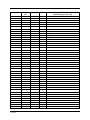
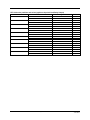
Table 17 – Links to Controller Communication Ports
Controller
Port
/Connector Type
Link Type:
Controller to
Cable Type
To Device/Port
Details
Legacy controller
only RS-232
3-plug connector
Desktop or Laptop
PC
RS-232 Null Modem
cable, up to 50’
Or
RS-232 PC modem
cable, up to 50’
Serial port of PC (w/ Null
Modem cable)
or
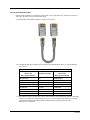
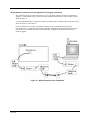
Modem. Refer to RS232 Remote Connection
to PC Configuration Tool
on page 133.
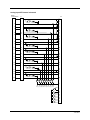
For Wiring details of
Null Modem cable see
Table 19.
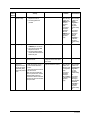
Legacy controller
only RS-232
3-plug connector
Modbus master
(controller is single
slave)
RS-232 Null Modem
cable, up to 50’
Or
RS-232 PC modem
cable, up to 50’
RS-232 to RS-485
converter
Refer to device’s port
instructions
Legacy controller
only RS-232
3-plug connector
Modbus master
RS-232 to RS-485
(controller is one of converter
multiple slaves)
Refer to device’s port
instructions
Legacy controller
only RS-232
3-plug connector
Modbus slave
network (controller
is master)
Refer to device’s port
instructions
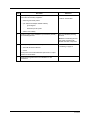
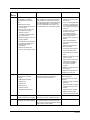
RS-485
3-Plug connector
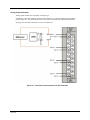
Operator interface
RS-485
3-Plug connector
Modbus master
(controller is slave)
Belden #9271 (or
equivalent)
Refer to device’s port
instructions
SIL applications require
shield drain wire to be
connected to grounding
bar.
RS-485
3-Plug connector
Modbus slave
network (controller
is master)
Belden #9271 (or
equivalent)
Refer to device’s port
instructions
SIL applications require
shield drain wire to be
connected to grounding
bar.
126
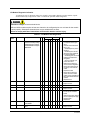
RS-232 to RS-485
converter
Belden #9271 (or
equivalent)
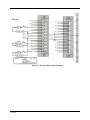
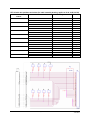
Terminal connector of
SIL applications require
operator interface. (Refer shield drain wire to be
to Table 18.)
connected to grounding
bar.
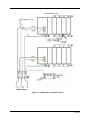
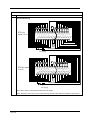
Connect from each CPU
(A and B) to the OI.
HC900 Process & Safety Controller User and Installation Manual
Revision 4.0
June 2015