1
Saving money and the environment
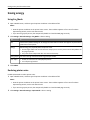
125
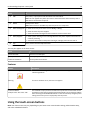
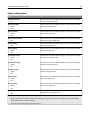
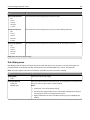
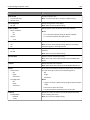
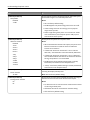
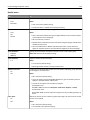
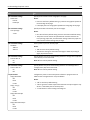
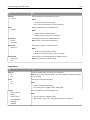
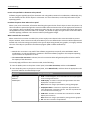
Use
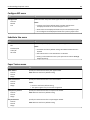
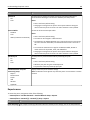
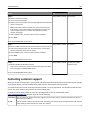
To
On
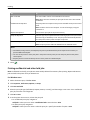
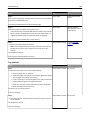
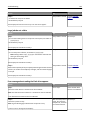
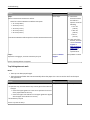
Reduce printer noise.
Notes:
• Print jobs are processed at a reduced speed.
• Printer engine motors do not start until a document
is ready to print. There will be a short delay before
the first page is printed.
Off
Use factory default settings.
Note: This setting supports the performance
specifications of the printer.
3 Click Submit.
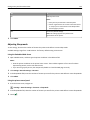
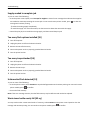
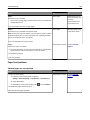
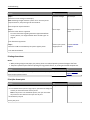
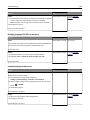
Adjusting Sleep mode
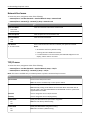
To save energy, decrease the number of minutes the printer waits before it enters Sleep mode.
Available settings range from 1–180 minutes. The factory default setting is 30 minutes.
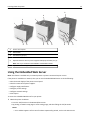
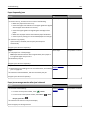
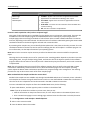
Using the Embedded Web Server
1 Open a Web browser, and then type the printer IP address in the address field.
Notes:
• View the printer IP address on the printer home screen. The IP address appears as four sets of numbers
separated by periods, such as 123.123.123.123.
• If you are using a proxy server, then temporarily disable it to load the Web page correctly.
2 Click Settings > General Settings > Timeouts.
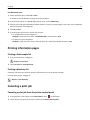
3 In the Sleep Mode field, enter the number of minutes you want for the printer to wait before it enters Sleep Mode.
4 Click Submit.
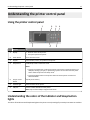
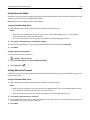
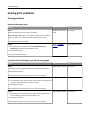
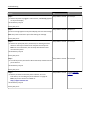
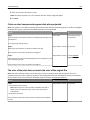
Using the printer control panel
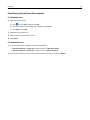
1 From the home screen, navigate to:
> Settings > General Settings > Timeouts > Sleep Mode
2 In the Sleep Mode field, select the number of minutes you want for the printer to wait before it enters Sleep Mode.
3 Touch
.