1
Adding a Frame (Frame Composite)
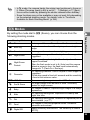
This function lets you add a decorative frame to still pictures. There are
three frames already stored in the camera.
The Frame Composite function cannot be used on images taken with the
recorded pixels of o/n/0/1/h, images of smaller
size than h with 4:3 aspect ratio, images taken at F (Digital
Panorama) mode, and movies.
1
2
5
3
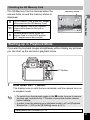
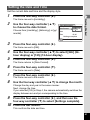
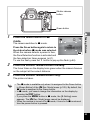
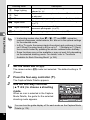
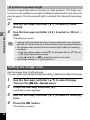
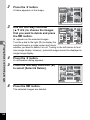
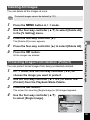
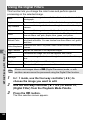
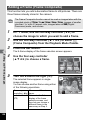
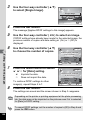
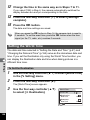
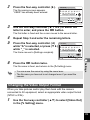
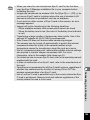
In Q mode, use the four-way controller (45) to
choose the image to which you want to add a frame.
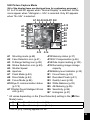
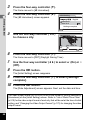
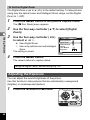
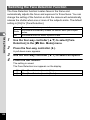
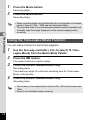
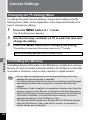
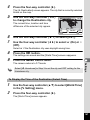
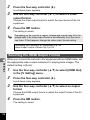
Use the four-way controller (2345) to select N
(Frame Composite) from the Playback Mode Palette.
Press the 4 button.
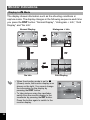
The 9-frame display of the frame selection screen appears.
Editing and Printing Images
4
5
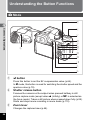
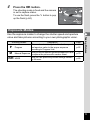
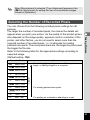
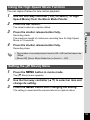
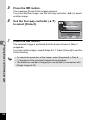
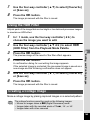
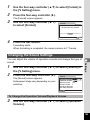
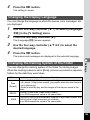
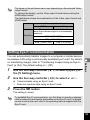
Use the four-way controller
(2345) to choose a frame.
OK
OK
f
OK
OK
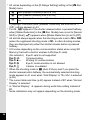
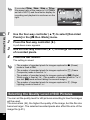
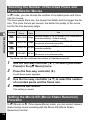
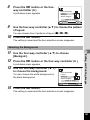
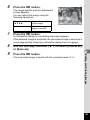
Turn the e-dial to the right (y).
The selected frame appears in singleimage display.
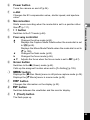
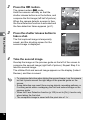
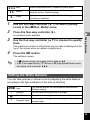
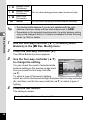
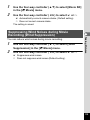
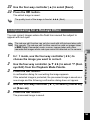
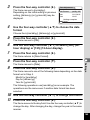
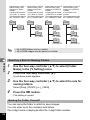
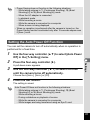
You can choose another frame using either
of the following operations.
Four-way
controller (45)
e-dial to the left
(f)
150
y
Chooses a different
frame.
Returns to the 9-frame
display of the frame
selection screen, and
then lets you choose a
different frame in the
same way as Step 4.