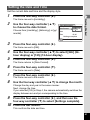
1
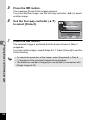
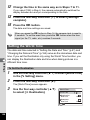
6
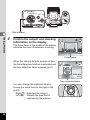
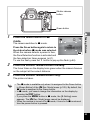
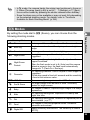
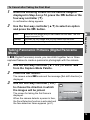
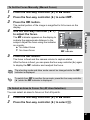
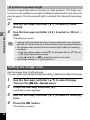
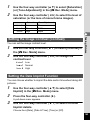
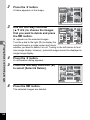
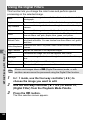
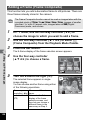
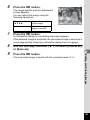
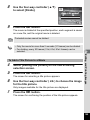
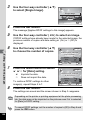
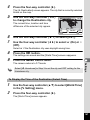
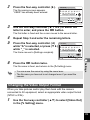
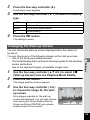
Use the four-way controller (45)
to change the reduction ratio.
F
G
H
Approx. 5 %
Approx. 7 %
Approx. 10 %
MENU Cancel
7
OK
OK
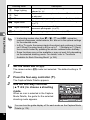
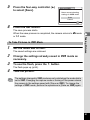
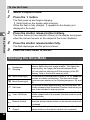
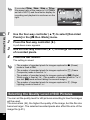
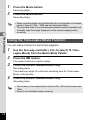
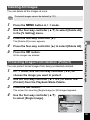
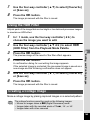
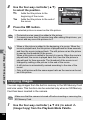
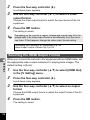
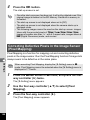
Press the 4 button.
A confirmation dialog for overwriting the image appears.
If the selected image is protected, the processed image is saved as a
new image and the following confirmation dialog does not appear.
8
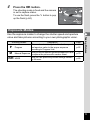
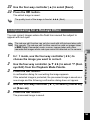
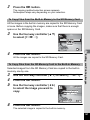
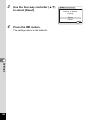
Press the 4 button.
The camera returns to Q mode and the processed image is displayed.
5
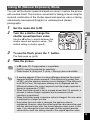
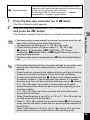
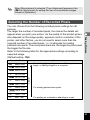
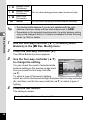
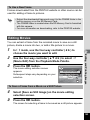
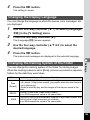
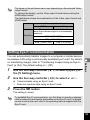
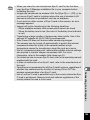
You may not be able to process images in the following situations:
- When the size of face taken in relation to an image is too large or too
small
- When a face is not in the center of an image
Editing and Printing Images
9
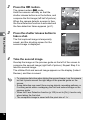
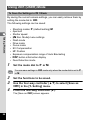
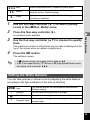
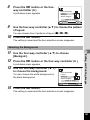
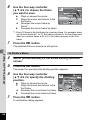
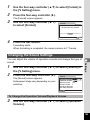
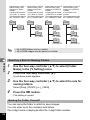
Use the four-way controller (23) to select [Overwrite]
or [Save as].
141