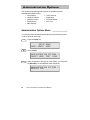
1
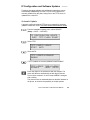
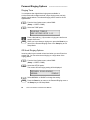
To test the phone, gateway/router, TFTP server, SNTP server,
or iMERGE address, select PING. If you have entered a new
phone IP address, the phone must be restarted before ping
will work properly.
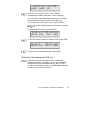
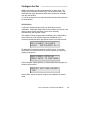
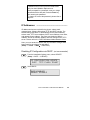
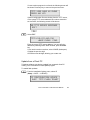
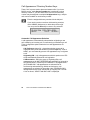
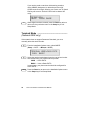
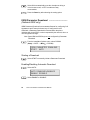
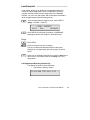
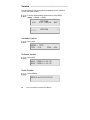
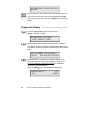
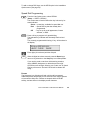
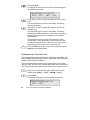
PINGING IP ADDRESS...
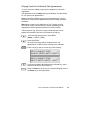
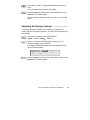
If a response is received, indicating a valid address, "PING
SUCCESSFUL" will be displayed.
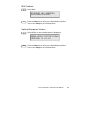
PING SUCCESSFUL
PRESS ANY KEY
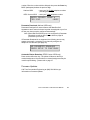
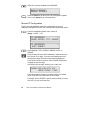
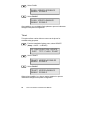
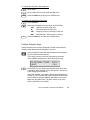
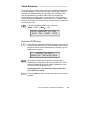
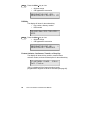
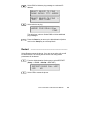
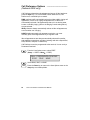
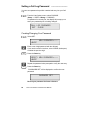
If no response is received, the entered address is invalid.
"PING FAILED" will be displayed.
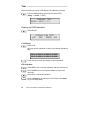
PING FAILED
PRESS ANY KEY
Press any key to return to the previous menu.
Alias Entry _____________________________
A unique iMerge alias is required for operation of the 7210/7220.
Contact your network service provider for your telephone’s alias.
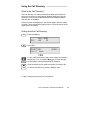
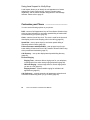
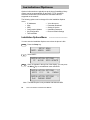
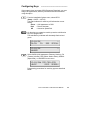
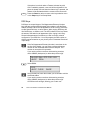
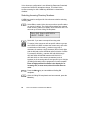
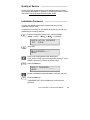
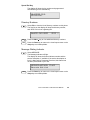
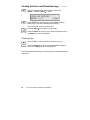
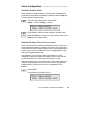
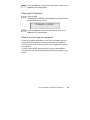
From the Installation Options menu, select ALIAS.
(Setup → INSTL → ALIAS)
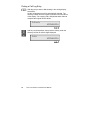
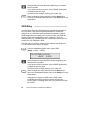
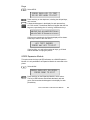
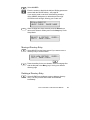
ALIAS=3094770185
|BKSP
CLEAR
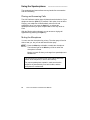
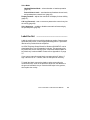
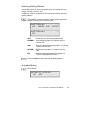
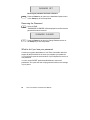
If the phone is currently registered with an iMerge alias, select
CHANGE, then YES to restart the phone and clear the
existing alias. The existing SPID and H.235 password will also
be cleared.
Tone Commander 7210/7220 User Manual
27