1
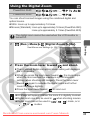
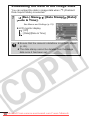
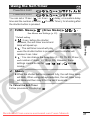
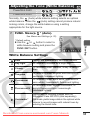
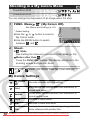
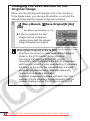
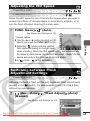
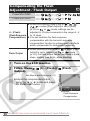
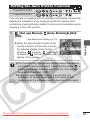
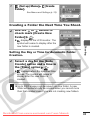
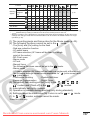
Resetting Settings to Their Default Values
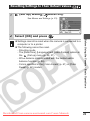
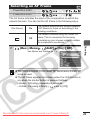
1
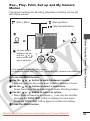
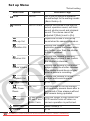
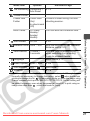
(Set up) Menu
[Reset All].
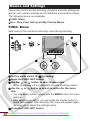
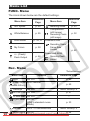
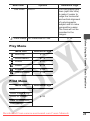
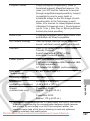
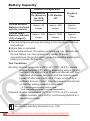
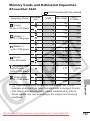
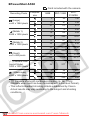
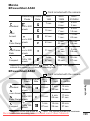
See Menus and Settings (p. 23).
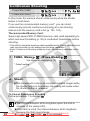
2
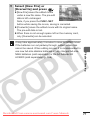
Select [OK] and press
.
Downloaded From camera-usermanual.com Canon Manuals
Before Using the Camera – Basic Operations
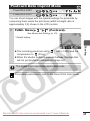
z Settings cannot be reset when the camera is connected to a
computer or to a printer.
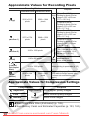
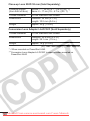
z The following cannot be reset.
- Shooting mode
- The [Date/Time], [Language] and [Video System] options in
the
(Set up) menu (p. 26, 27)
- White balance data recorded with the custom white
balance function (p. 56)
- Colors specified in the [Color Accent] (p. 61) or [Color
Swap] (p. 62) modes
29