1
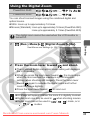
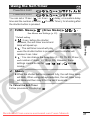
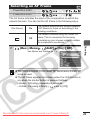
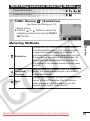
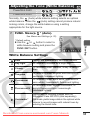
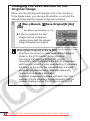
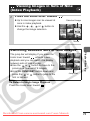
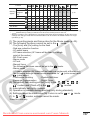
Switching between Metering Modes
PowerShot A540
PowerShot A530
1
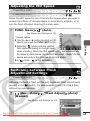
FUNC. Menu
* (Evaluative)
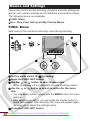
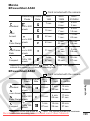
See Menus and Settings (p. 22).
* Default setting.
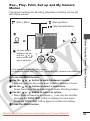
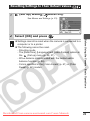
z Use the
or
button to select the
metering mode and press the FUNC./
SET button.
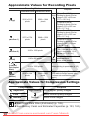
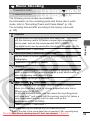
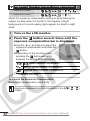
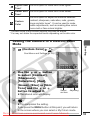
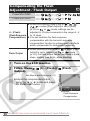
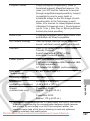
Metering Methods
Center
Weighted
Average
Averages the light metered from the entire
frame, but gives greater weight to the subject
matter at the center.
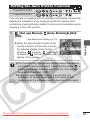
Spot
Meters the area within the spot AE point at the
center of the LCD monitor. Use this setting
when you want to set the exposure on the
subject in the center of the monitor.
Downloaded From camera-usermanual.com Canon Manuals
Shooting
Evaluative
Appropriate for standard shooting conditions,
including backlit scenes. The camera divides
images into several zones for metering. It
evaluates complex lighting conditions, such as
the position of the subject, the brightness, the
direct light, and the backlighting, and adjusts
the settings to the correct exposure for the main
subject.
53