1
BIFFI ITALIA
7
“A MANAGER” Software for PC
Installation and User Manual
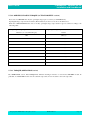
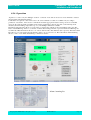
A-Manager conversion tool
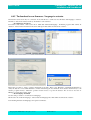
A-Manager version 4.x.x can import only files with extension *.icon, *.f02, *.mcu . A-Manager Conversion Tool
allows to import files with extension *.set and *.man , previously exported by A_Manager version less then 4.0.0
Also files saved with extension *.i4k, by the program tool prjICON4K.exe can be converted in *.icon files.
Here below are instruction to install the A-Manager Conversion Tool and to convert old files in the format compatible
with A-Manager version 4.x.x
Important:
“A MANAGER” Conversion Tool consists of one only file:
ConversionTools_x.x.x.msi
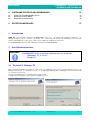
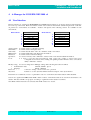
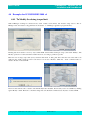
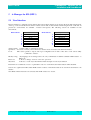
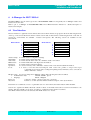
7.1 Installation process
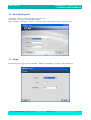
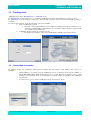
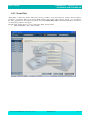
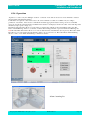
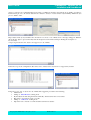
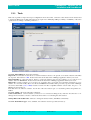
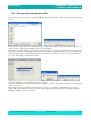
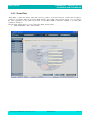
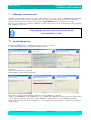
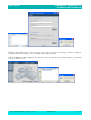
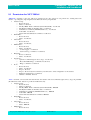
To start the installation process, double-click on ConversionTools_x.x.x.msi.
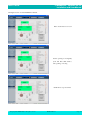
A simple wizard will guide you through the installation process:
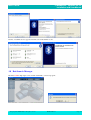
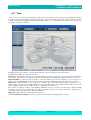
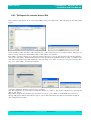
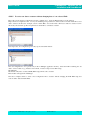
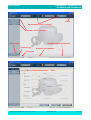
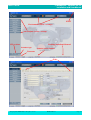
Click Next.
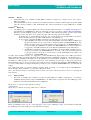
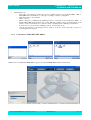
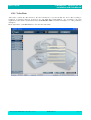
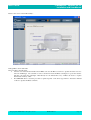
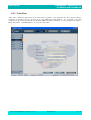
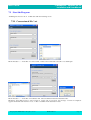
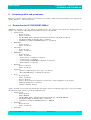
Agree to End User License Agreement
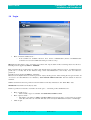
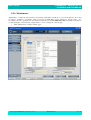
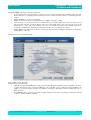
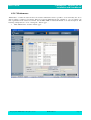
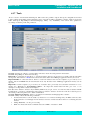
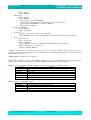
Select installation folder and then click Next
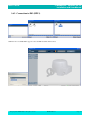
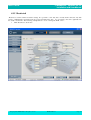
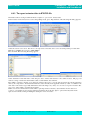
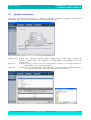
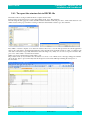
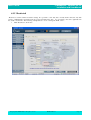
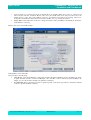
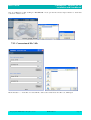
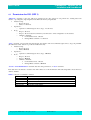
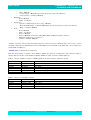
Click “Next” to begin program installation. Click Close when installation is completed
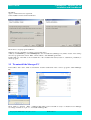
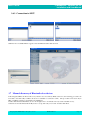
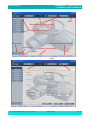
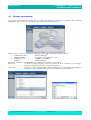
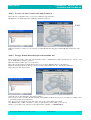
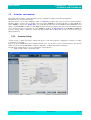
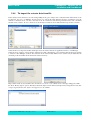
A link (icon with BIFFI logo named AManager) to the executable file (AManager Conversion Tool.exe) will be created
on your desktop and a new program folder, named “Biffi Italy”, will be added to your Start Menu\Program folder.
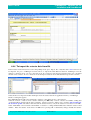
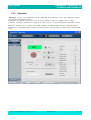
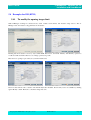
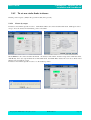
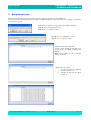
Double-click one of the links to the executable file or the executable file itself (located in : \destination_folder\bin\) to
run the program.
A© Copyright by BIFFI Italia. All right reserved
MDE185/Rev.2
Page 68




![[User manual] - KX_series_user_EN](http://vs1.manualzilla.com/store/data/005985322_1-73e2348e6003cbf1e0abe0da04f5dcec-150x150.png)