1
7: Solaris Platform
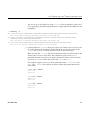
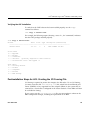
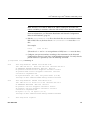
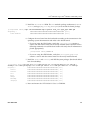
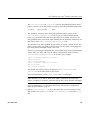
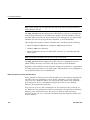
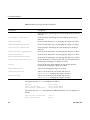
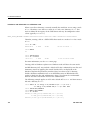
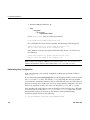
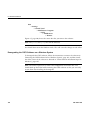
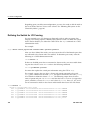
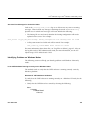
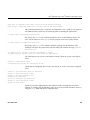
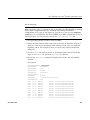
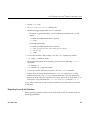
For example:
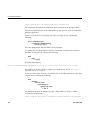
hosts:
files nis dns
(The order of nis and dns is not significant to CXFS, but files must be first.)
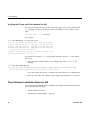
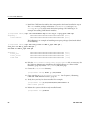
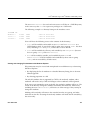
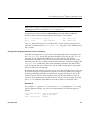
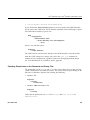
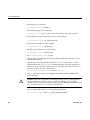
4. Determine the name of the private interface by using the ifconfig command as
follows:
solaris# ifconfig -a
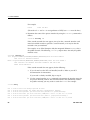
If the second network does not appear, it may be that a network interface card
must be installed in order to provide a second network, or it may be that the
network is not yet initialized.
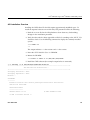
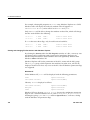
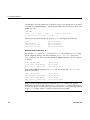
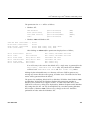
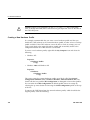
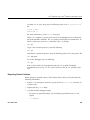
For example, on an Ultra Enterprise 250, the integrated Ethernet is hme0; this is
the public network. The following ifconfig output shows that only the public
interface exists:
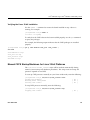
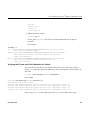
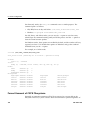
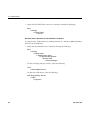
solaris# ifconfig -a
lo0: flags=1000849<UP,LOOPBACK,RUNNING,MULTICAST,IPv4> mtu 8232 index 1
inet 127.0.0.1 netmask ff000000
hme0: flags=1000843<UP,BROADCAST,RUNNING,MULTICAST,IPv4> mtu 1500 index 2
inet 128.162.2.91 netmask ffffff00 broadcast 128.162.2.255
ether 8:0:20:d2:29:c5
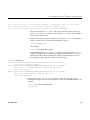
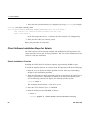
If the second network does not appear, do the following:
a.
If you do not have the PCI card installed, install it. Refer to your PCI
documentation for instructions.
If your card is already installed, skip to step b.
b.
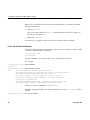
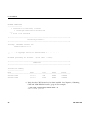
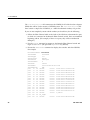
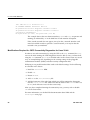
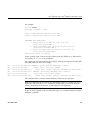
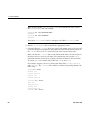
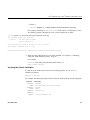
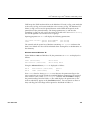
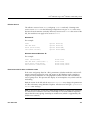
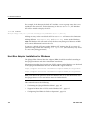
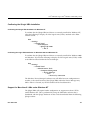
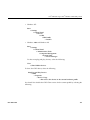
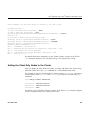
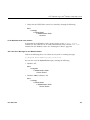
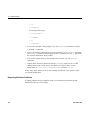
Use the output from the dmesg command to determine the interface name for
the private network; look for the network interface that immediately follows
the public network; you may wish to search for Found. For example:
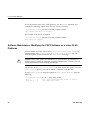
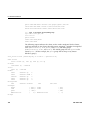
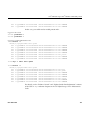
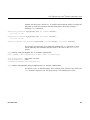
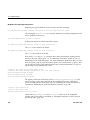
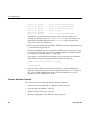
solaris# dmesg
Feb
6 09:38:36 ue250 last message repeated 42 times
Feb
6 11:38:40 ue250 pseudo: [ID 129642 kern.info] pseudo-device: devinfo0
Feb
6 11:38:40 ue250 genunix: [ID 936769 kern.info] devinfo0 is /pseudo/devinfo@0
Feb
Feb
6 11:38:41 ue250 hme: [ID 517527 kern.info] SUNW,hme0 : PCI IO 2.0 (Rev Id = c1) Found
6 11:38:41 ue250 genunix: [ID 936769 kern.info] hme0 is /pci@1f,4000/network@1,1
Feb
6 11:38:41 ue250 hme: [ID 517527 kern.info] SUNW,hme1 : PCI IO 2.0 (Rev Id = c1) Found
86
007–4507–008