1
6: Linux 32-bit Platforms
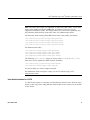
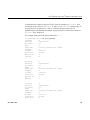
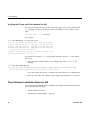
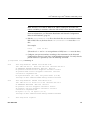
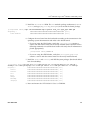
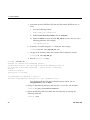
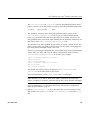
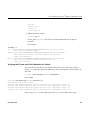
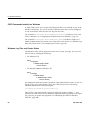
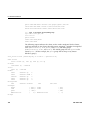
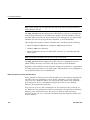
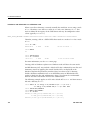
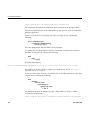
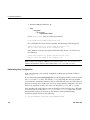
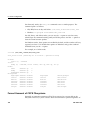
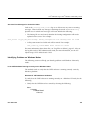
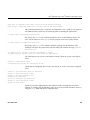
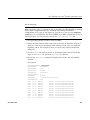
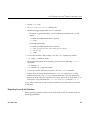
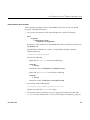
inet addr:127.0.0.1 Mask:255.0.0.0
UP LOOPBACK RUNNING MTU:16436 Metric:1
RX packets:162 errors:0 dropped:0 overruns:0 frame:0
TX packets:162 errors:0 dropped:0 overruns:0 carrier:0
collisions:0 txqueuelen:0
RX bytes:11692 (11.4 Kb) TX bytes:11692 (11.4 Kb)
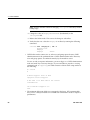
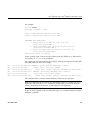
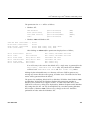
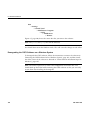
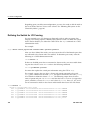
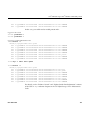
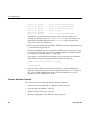
This example shows that two ethernet interfaces, eth0 and eth1, are present and
running (as indicated by UP in the third line of each interface description.
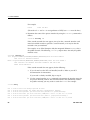
If the second network does not appear, it may be that a network interface card
must be installed in order to provide a second network, or it may be that the
network is not yet initialized.
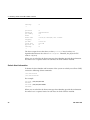
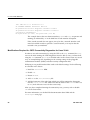
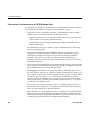
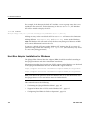
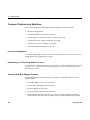
Modifications Required for CXFS Connectivity Diagnostics for Linux 32–bit
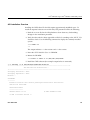
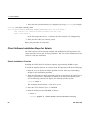
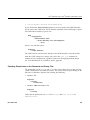
In order to test node connectivity by using the GUI or the cmgr command, the root
user on the node running the CXFS diagnostics must be able to access a remote shell
using the rsh command (as root) on all other nodes in the cluster. There are several
ways of accomplishing this, depending on the existing settings in the pluggable
authentication modules (PAMs) and other security configuration files.
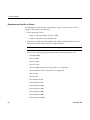
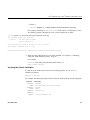
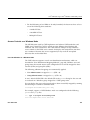
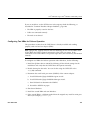
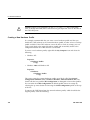
Following is one possible method that works with default settings. Do the following
on all nodes in the cluster:
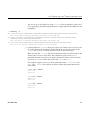
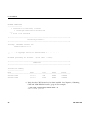
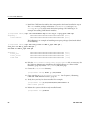
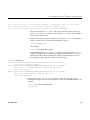
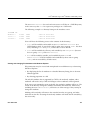
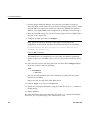
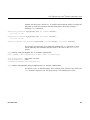
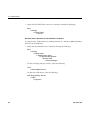
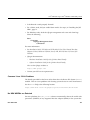
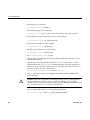
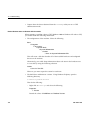
1. Install the rsh-server RPM.
2. Enable rsh.
3. Restart xinted.
4. Add rsh to the /etc/securetty file.
5. Add the hostname of the node from which you will be running the diagnostics
into the /root/.rhosts file. Make sure that the mode of the .rhosts file is set
to 600 (read and write access for the owner only).
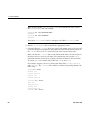
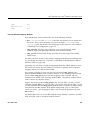
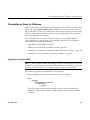
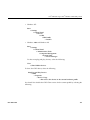
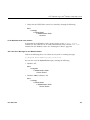
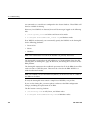
After you have completed running the connectivity tests, you may wish to disable
rsh on all cluster nodes.
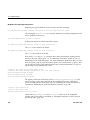
For more information, see the Red Hat documentation about PAM and the
hosts.equiv man page.
58
007–4507–008