1
RIMS
4.2-62
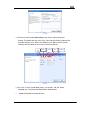
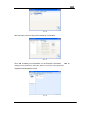
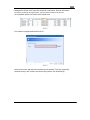
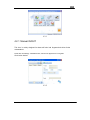
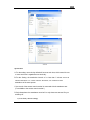
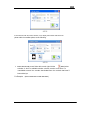
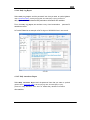
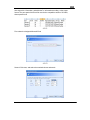
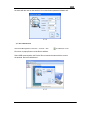
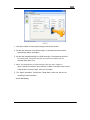
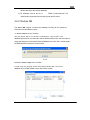
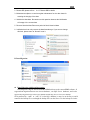
Select the corresponding scheduling setting template, which supports dragging to set
various sheets.
Week template: set up the scheduling in pattern of the week in a selected time.
Month template: set up the scheduling in pattern of the month in a selected time.
Day template: set up the scheduling by taking time interval as template in a selected time.
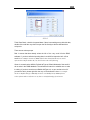
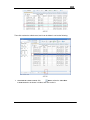
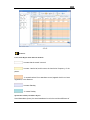
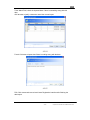
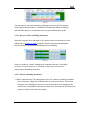
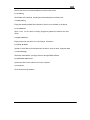
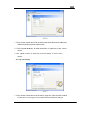
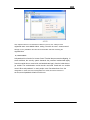
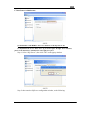
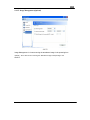
Such as the following picture.
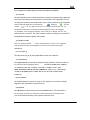
4.2-63
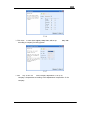
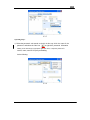
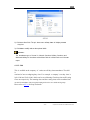
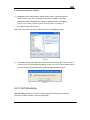
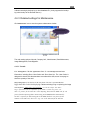
It means that it counts from the first day in a selected time, noon class for the first day,
and evening class for the second day, day off for the third day; repeat the noon class
of the first day for the fourth day, etc.
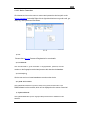
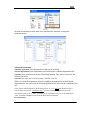
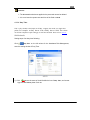
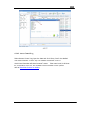
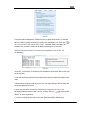
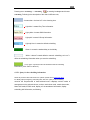
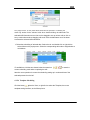
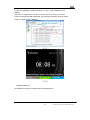
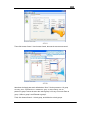
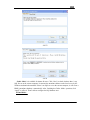
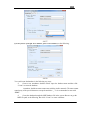
If the existing shift information cannot meet your request, it‟s available to click the
icon on the menu bar to set up new shift information. (Please refer to Attendance
Rule setting for details)
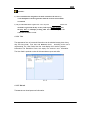
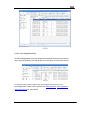
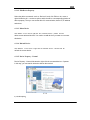
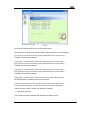
Click the icon
after completing the template. It makes the template set up to the
corresponding time and cell, and set up the scheduling of the personnel selected from
the personnel option on the left of the scheduling report according to the template.
- 69 -
Chapter Four Instruction of the Software Performance