1
RIMS
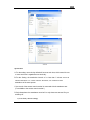
Software Installation Wizard
1)
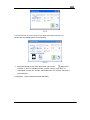
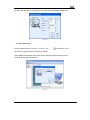
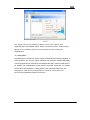
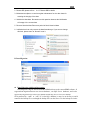
If your computer‟s system is the Windows XP system, then it must be installed
the Microsoft .NET Framework 2.0. The Check.exe, below the Framework
Folder in the Operation and Instal ation Disk, can automatically check the
installation of the Framework.
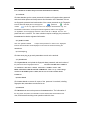
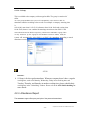
2) If there is no Microsoft Windows Installer 3.1 version suggested in the
process of the install
Please find the upgrading patch corresponding to the
system in the Folder of “Windows Installer”, install it and try again.
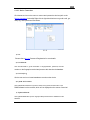
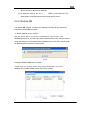
3) Directly delete the RIMS folder after instal ation if it needs to unload the RIMS.
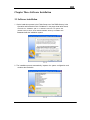
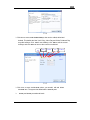
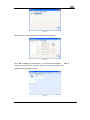
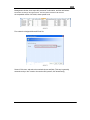
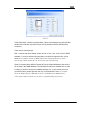
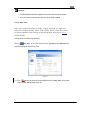
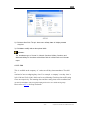
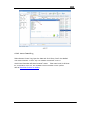
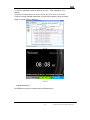
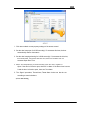
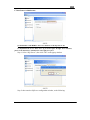
4) The installation folder of the RIMS System is the Folder Setup.exe that below
the RIMS directory in the Installation Disk.
-5-
Software Installation Wizard