1
10.3.5 Playing Back the Recordings from GV-Video Server
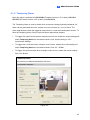
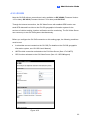
To play back the recordings from the GV-Video Server, follow these steps:
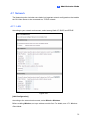
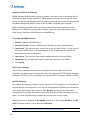
1. Enable the ViewLog Server on GV-Video Server. Keep the connection port to be 5552
or modify it if necessary. See 4.3.8 ViewLog Server for details.
2. Execute SSView on your smartphone.
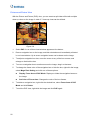
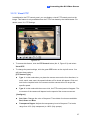
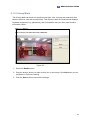
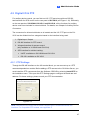
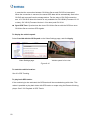
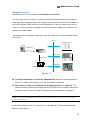
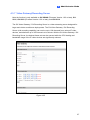
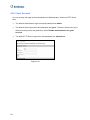
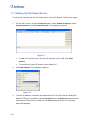
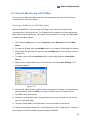
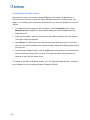
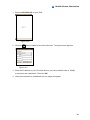
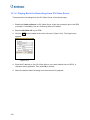
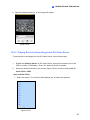
3. When the message SSView V3 appears, click Options, and then select RPB. The
login screen appears. If you want to search the recordings within a specific period of
time for playback, select RPB With Time.
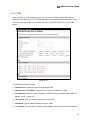
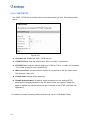
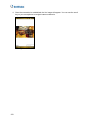
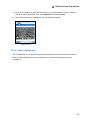
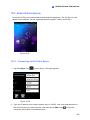
Figure 10-21
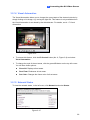
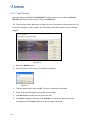
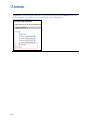
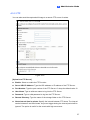
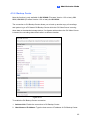
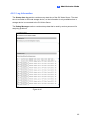
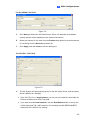
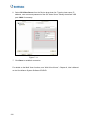
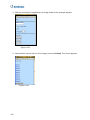
4. Enter the IP address of your GV-Video Server, port value (default value is 5552), a
username and a password. Then click Options and select Video Server.
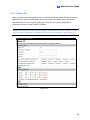
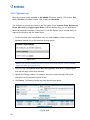
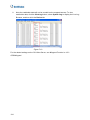
5. Select the desired video recording from the event list for playback.
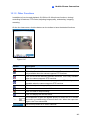
10.3.6 Other Functions
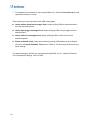
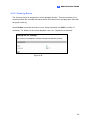
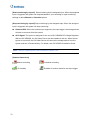
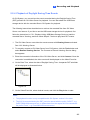
In addition to live view, SSView offers these functions: changing camera channels,
zooming in a camera view, rotating images and controlling outputs. Select Options to
have these features.
154