1
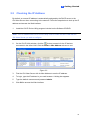
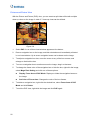
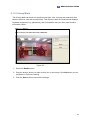
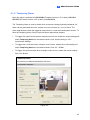
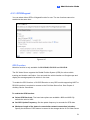
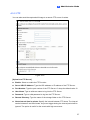
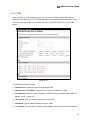
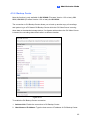
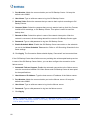
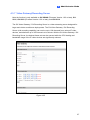
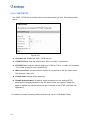
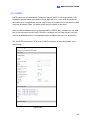
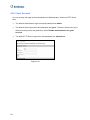
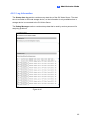
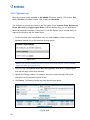
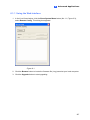
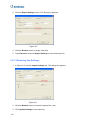
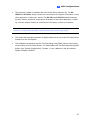
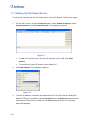
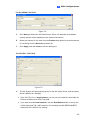
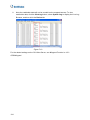
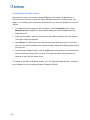
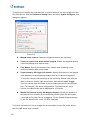
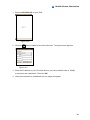
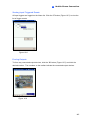
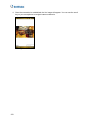
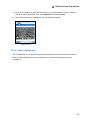
6. Select GV-Video Server from the Device drop-down list. Type the host name, IP
address, user name and password of the GV-Video Server. Modify the default VSS
port 10000 if necessary.
Figure 7-11
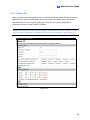
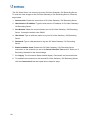
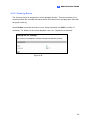
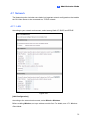
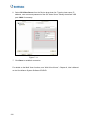
7. Click Save to establish connection.
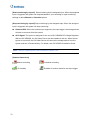
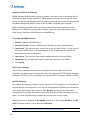
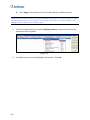
For details on the Multi View functions, see “Multi View Viewer”, Chapter 8, User’s Manual
on the Surveillance System Software CD/DVD.
126