1
16
CHAPTER 3. COMMAND SYNTAX
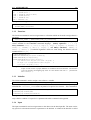
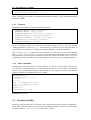
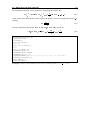
SENSITIVITY[identifier1]= factor11, factor12, ...
SENSITIVITY[identifier2]= factor21, factor22, ...
SENSITIVITY2[identifier2]= delta
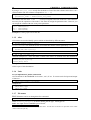
Please keep in mind that for every factor a full model run will be executed which might need much
computer time. Even if the SENSITIVITY command is present in the EASY script it must be
started via the /SENSITIVITY keyword or via the sensitivity check box of the widget.
The sensitivity2
3.6 Analysis tools
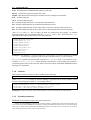
The output of the EASY model runs is converted into time series plots as first level tool for the
analysis of the output. However, often it is requested to have correlations between different input
and output values of the model or to get an overview over the budgets or ...
The selection menu
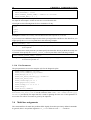
Proposed structure of a analysis menu:
selection of analysis
selection of columns / files to be requested
output of the selected columns in single file !!
plot of selected columns versus one other column
correlation analysis
....