1
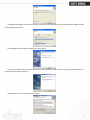
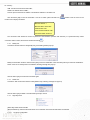
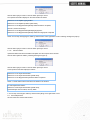
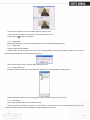
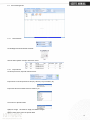
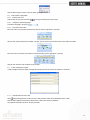
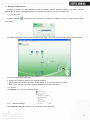
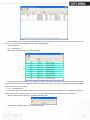
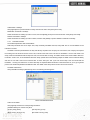
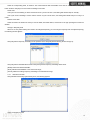
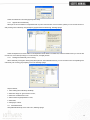
Click the button [OK] to confirm or click the button [Cancel] to cancel.
Some operation information displays in the main interface as follows:
[2009-03-18 13:52:59]Initializing...
[2009-03-18 13:53:01]1[Head office]Initialization successful!
2.1.8
Terminal parameter settings
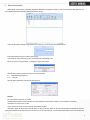
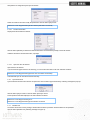
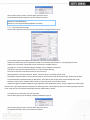
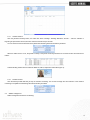
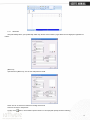
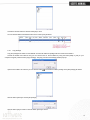
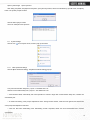
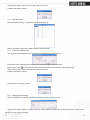
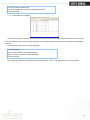
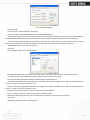
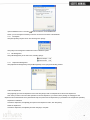
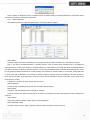
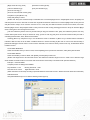
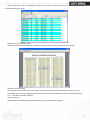
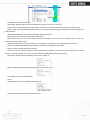
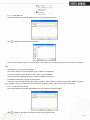
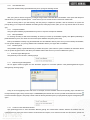
Click the button [Terminal Parameter]. The [Terminal parameter settings] interface pops up:
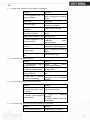
Communication password (0-999999): This parameter is reserved and not available now.
Sleep time (0~250minutes): How long dose the terminal turn to the sleep mode if there is no one operating the terminal.
Volume (0~5): The volume of the prompt sound in the terminal. The default value is 3.
Language: You can set the terminal’s language as English, French, Spanish or Portuguese.
Date format: There are three kinds date format: yy-mm-dd, mm/dd/yy, dd/mm/yy.
Time format: There are two kinds time format: 24 hour and 12 hour.
Matching precision: There are three kinds: ‘Normal’, ‘Good’ and ‘Exact’. The default value is ‘Good’.
Record Alarm Threshold Values: If the rest memory space for the record is less than the threshold value, the machine will alarm.
Time period between repeated Checking (0~250minutes): The maximum value is 250 minutes. And the default value is 30s.
Real-time monitor function: Realtime monitor function is only for the TCP\IP communication method.
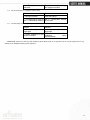
Update the fingerprint template intelligently: During fingerprint sensor identification process, the senor replaces the lowest-quality
data with new, higher-quality data that it acquired in the matching process. This enables the sensor to maintain high quality data at all
times, saving the user from repeated authentication attempts. Default status is limited.
Lock Relay time (0~15seconds): The door open delay.
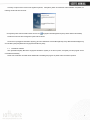
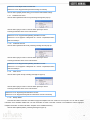
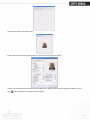
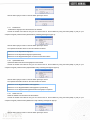
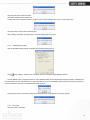
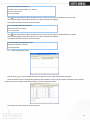
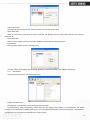
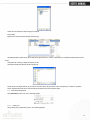
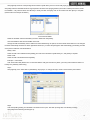
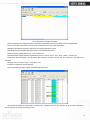
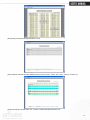
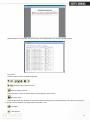
Click the button [OK] to save the settings. Following message box pops up:
Click the button [OK] to confirm or click the button [Cancel] to cancel.
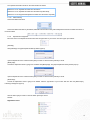
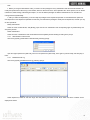
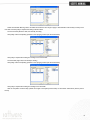
The operation information in the main interface is as follows:
9