1
2.
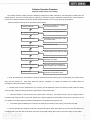
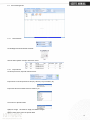
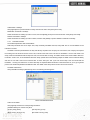
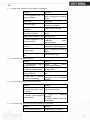
Fingerprint
abnormal
4.5
4.6
scanner
Restart the machine or change
the fingerprint module
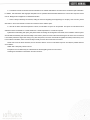
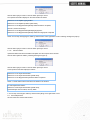
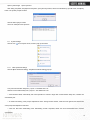
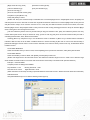
We do not use the ID + fingerprint mode to verify.
Reason
Solution
1. Wrong ID entered
Enter the right ID
2. This user has no right to
use 1:1 identification method
Set 1:1 identification method
for this user.
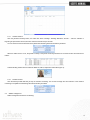
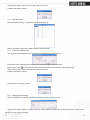
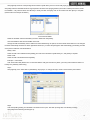
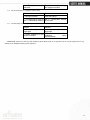
The unit beeps automatically when no one punches in/out.
Reason
1. Direct sun light or too
bright light
2. Latent fingerprint on the
surface of sensor
Solution
Avoid direct sun light or other
bright light
Clean
sensor
surface
(Adhesive
tapes
recommended)
Please note: Should you have any other problems, please kindly email us the log files in zip or rar (The log files are in Log
directory in the installation directory of the software)!
53