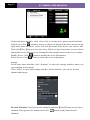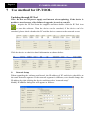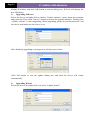
1
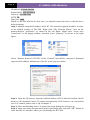
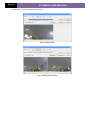
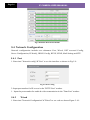
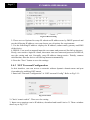
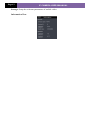
Page 17 IP CAMERA USER MUANUAL Fig 5-10 Wired Config 2. There are two Options for setup IP: obtain an IP address auto by DHCP protocol and use the following IP address, user can choose one of options for requirements. 3. Use the following IP address: display the IP address, subnet mask, gateway and DNS of the device. 4. PPPOE: User needs to manual input the user name and password for dial-up internet. Firstly, user needs to login IE clients, then enter into user name and password of PPPoE, save the setting and exit. Secondly, setup IP address change notice. Thirdly, connect with Modem, then the device will dial-up internet automatically. 6. Press the "Save" button to save the settings. 5.4.3 NET Traversal Configuration In this interface, user can access to network without dynamic domain name and port forwarding by enabling NET transit. 1.Enter into “Network Configuration” “NET traversal Config”. Refer to Fig 5-11: Fig 5-11 Transit 2. Check “transit enable”. Then save the setting. 3. Input www.upnpicp.com in IE address; download and install Active X. Then a window shows up as Fig 5-12: