1
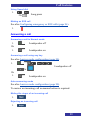
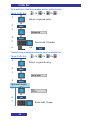
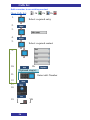
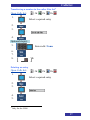
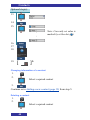
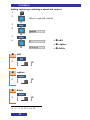
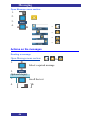
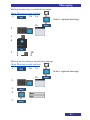
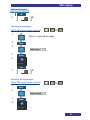
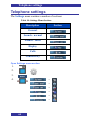
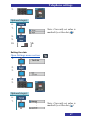
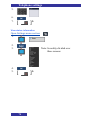
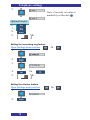
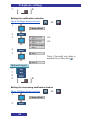
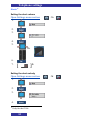
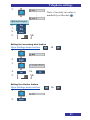
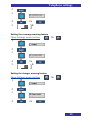
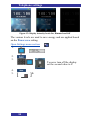
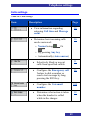
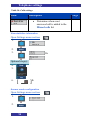
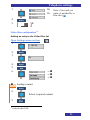
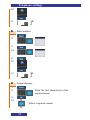
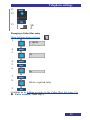
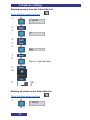
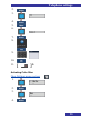
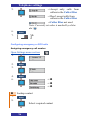
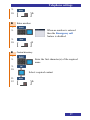
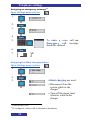
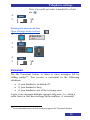
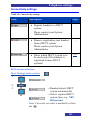
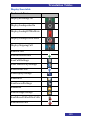
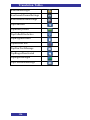
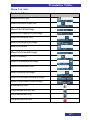
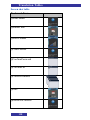
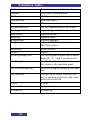
Telephone settings 5. [ ]n Display settings Table 13: Display settings Item Description Page Select the image that is displayed on the screen of your handset in the idle state 86 Select the startup screen image which displays temporarily when the handset starts 87 Configure the periods of time after which the handset’s display is dimmed and turned off 87 Selecting Wallpaper For other Wallpaper than Default: Please contact your System Administrator Open Settings menu section: 1. 2. 3. Note: Currently set value is marked by a blue dot ( ) 86