1
ZTE AX320 WiMAX USB MODEM USER MANUAL
4.2 Updating FreshTel Internet Access
You can update FreshTel Internet Access version by two different types – regular and critical.
1. The regular update is chosen by checking Notify if newer Freshtel Internet Access is available in
Setting tab of the extended views. This procedure shall check available update each time when
connected to the Internet.
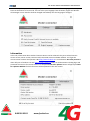
2. The critical update shall be processed in any case by checking Check for updates at Information tab
of the extended views.
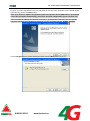
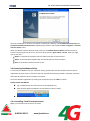
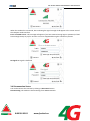
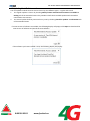
If a new version of software is available, the following display will popup. Click Open to download the
new version of software and install the new software.
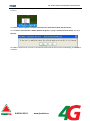
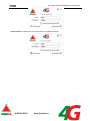
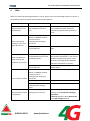
If the software you have installed is new, the following display will popup.
0 800 30 30 03
www.freshtel.ua