1
4.7.3 Route tab
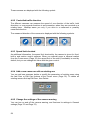
This menu contains options to manage different settings in the program.
4.7.3.1 Recalculate
This menu point is only available if an active route exists and GPS position is
present.
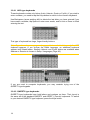
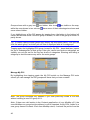
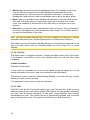
It brings up a menu with four options. Using one of these functions you can modify
the current route.
Recalculate
This function repeats the route calculation based on the same settings as used to
calculate previously. This possibility is typically used when automatic off-route
recalculation is disabled. However you may consider using it when you travel on a
road parallel to that recommended by the route. In this case MioMap may not
recalculate the route for some time, but you can force recalculation here. This is also
the button you will most frequently use when the window appears automatically,
provided that the manual route recalculation is set (Page 77).
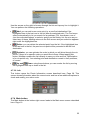
Drop Next Via Point / Delete Route
You can modify the route to skip the next via point if you decide it is no longer
needed. For example, you may have added the via point only to influence the route
but you do not want to actually reach it; or you have already almost reached it, and
MioMap still keeps on navigating towards that point. When there are no via points left
51