1
Section 2 - Product Setup
QRS Mobile App Setup
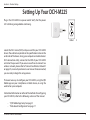
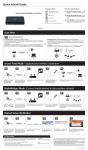
The DCH-M225 can be set up from your iOS or Android smartphone or tablet device using the QRS Mobile app.
Search for “QRS Mobile” in the App Store or Google Play, or use
your mobile device to scan the QR codes on the right to download
the QRS Mobile app from the App Store (left) for your iOS device,
or from Google Play (right) for your Android device.
For iOS
For Android
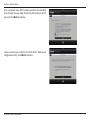
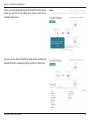
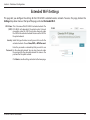
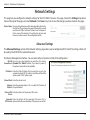
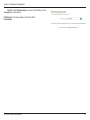
Connect to the Wi-Fi network that is displayed on the Wi-Fi
Configuration Card included in your package (ex: dlink-a8fa).
Then, enter the Wi-Fi password also printed on the Wi-Fi
Configuration Card (ex: akbdj1936). These details are also printed
on the specification sticker on the underside of the device.
D-Link DCH-M225 User Manual
9