1
C H A P T E R 3 Using the VMware Management Interface to Manage Your Virtual Machines
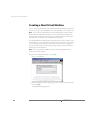
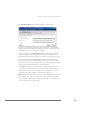
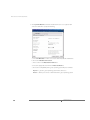
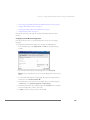
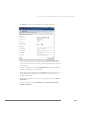
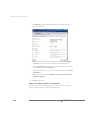
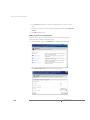
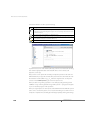
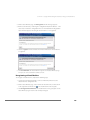
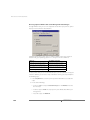
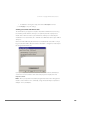
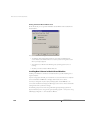
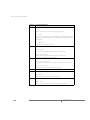
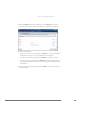
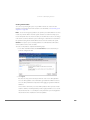
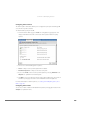
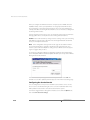
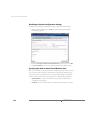
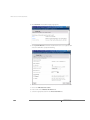
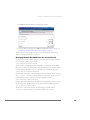
3. Specify the average bandwidth. In the Average Bandwidth field, specify the
average value for network bandwidth, then specify whether that amount is in
Megabits per second (Mbps), Kilobits per second (Kbps) or bits per second (bps).
4. Specify the peak bandwidth. In the Peak Bandwidth field, specify the peak value
for network bandwidth, then specify whether that amount is in Megabits per
second (Mbps), Kilobits per second (Kbps) or bits per second (bps).
5. Specify the burst size. In the Burst Size field, specify how large a burst can be,
then specify whether that amount is in Megabytes (M), Kilobytes (K) or bytes (B).
6. Click OK to save your changes and close the window.
For more information about managing network resources, see Managing Network
Bandwidth from the Management Interface on page 424.
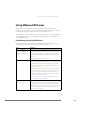
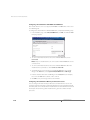
Configuring a Virtual Machine’s Hardware
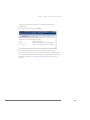
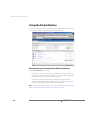
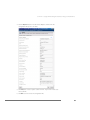
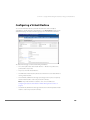
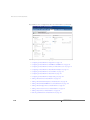
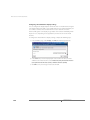
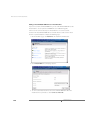
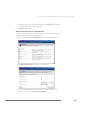
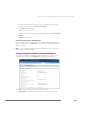
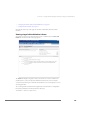
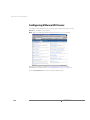
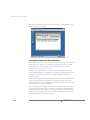
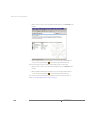
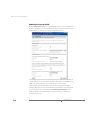
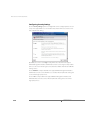
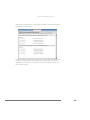
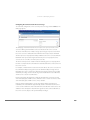
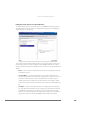
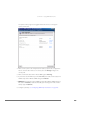
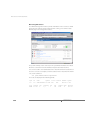
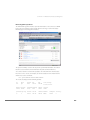
To review and configure the virtual hardware inside a virtual machine, click the
Hardware tab. The Hardware page appears.
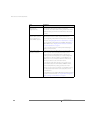
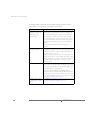
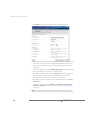
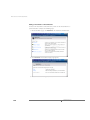
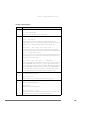
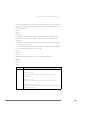
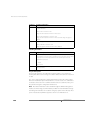
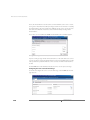
The Hardware page lists the virtual hardware in the virtual machine — configured
devices like the virtual disk, removable devices like floppy, CD-ROM or DVD-ROM
drives, virtual network adapter, memory allocated to the virtual machine and the
display settings. More information about each device is listed, and you can configure
each virtual hardware component.
113