1
VMware ESX Server Administration Guide
Monitoring CPU Statistics
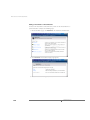
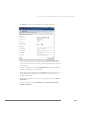
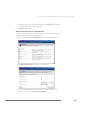
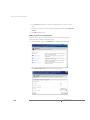
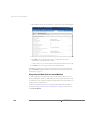
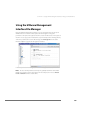
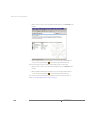
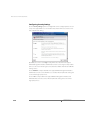
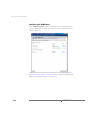
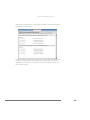
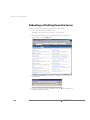
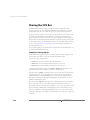
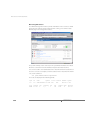
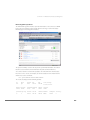
The VMware Management Interface provides information on the current use of CPU
by the physical computer and the virtual machines running on it. View the Status
Monitor page in the management interface.
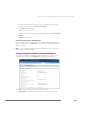
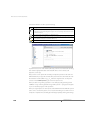
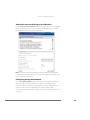
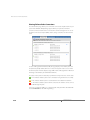
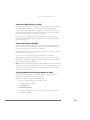
The System Summary section at the top shows systemwide information. The Virtual
Machines section below it shows information for particular virtual machines.
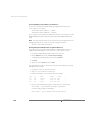
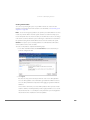
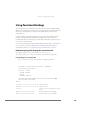
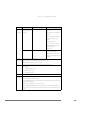
You can also read the current CPU statistics for a virtual machine from its status file on
the service console. For example, to view the statistics for the virtual machine with ID
137, use this command:
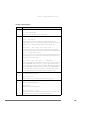
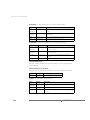
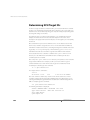
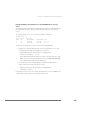
cat /proc/vmware/vm/137/cpu/status
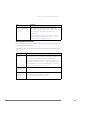
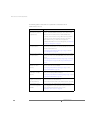
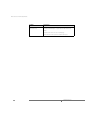
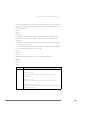
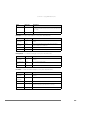
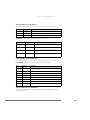
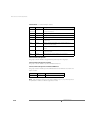
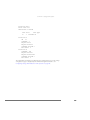
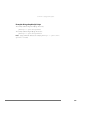
The results are displayed in the following format:
396
vcpu
137
vm
137
name
uptime
vmm0:Win2kAS 357.866
wait
NONE
waitsec
51.783
cpu
0
affinity
0,1
status costatus usedsec syssec
RUN
RUN
265.143 3.105
min
0
max
200
shares
2000
emin
72
extrasec
124.758
www.vmware.com