1
Chapter 10 Installation and Testing operation
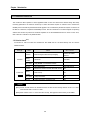
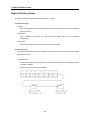
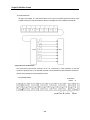
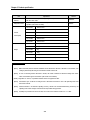
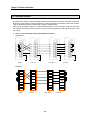
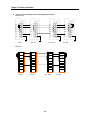
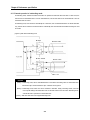
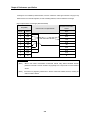
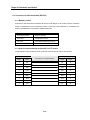
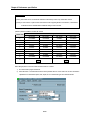
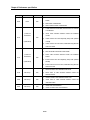
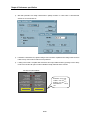
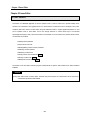
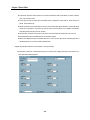
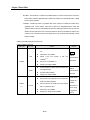
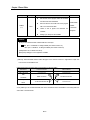
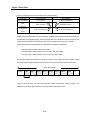
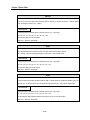
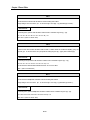
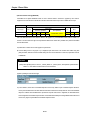
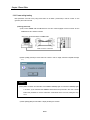
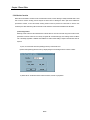
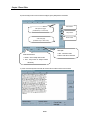
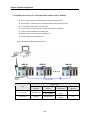
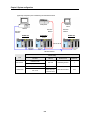
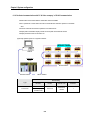
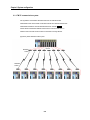
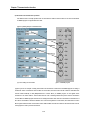
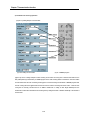
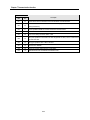
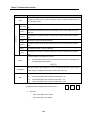
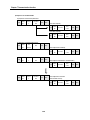
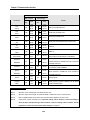
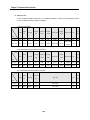
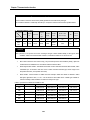
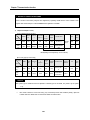
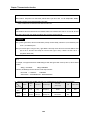
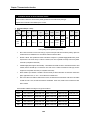
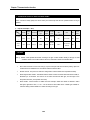
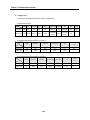
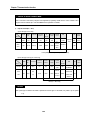
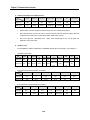
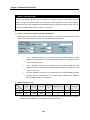
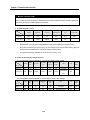
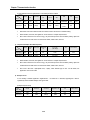
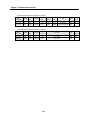
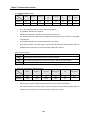
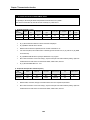
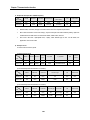
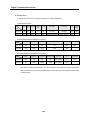
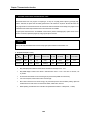
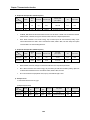
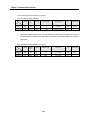
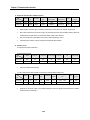
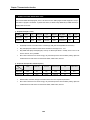
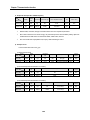
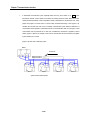
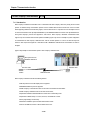
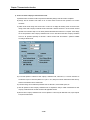
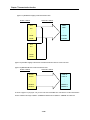
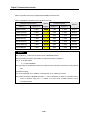
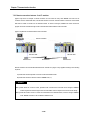
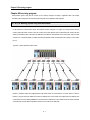
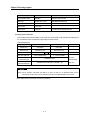
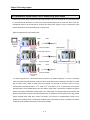
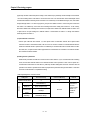
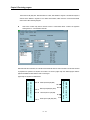
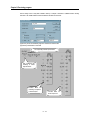
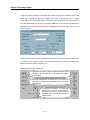
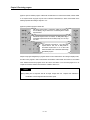
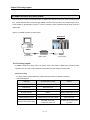
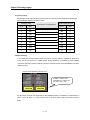
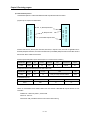
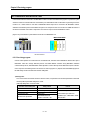
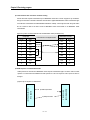
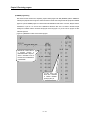
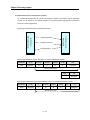
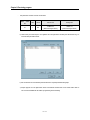
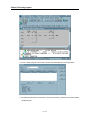
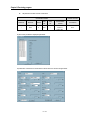
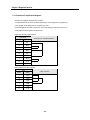
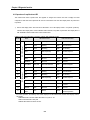
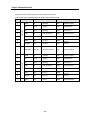
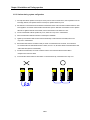
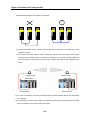
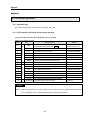
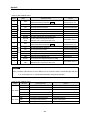
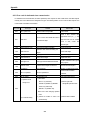
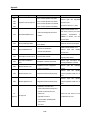
9) Cable bifurcation for RS-422 communication is not allowable.
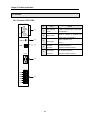
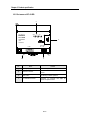
G4L-CUEA
RUN/BPS
TX/BPS
RX/BPS
ACK/DATA
NAK/PARITY
ERR/EVEN-ODD
MODEM/STOP
SYS-RUN
RS-232C
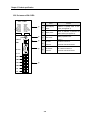
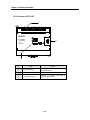
G4L-CUEA
RUN/BPS
TX/BPS
RX/BPS
ACK/DATA
NAK/PARITY
ERR/EVEN-ODD
RS-485/STOP
SYS-ERR
RUN/BPS
TX/BPS
RX/BPS
ACK/DATA
NAK/PARITY
ERR/EVEN-ODD
MODEM/STOP
SYS-RUN
RS-422
RS-232C
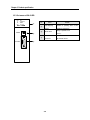
G4L-CUEA
RUN/BPS
TX/BPS
RX/BPS
ACK/DATA
NAK/PARITY
ERR/EVEN-ODD
RS-485/STOP
SYS-ERR
RS-422
RUN/BPS
TX/BPS
RX/BPS
ACK/DATA
NAK/PARITY
ERR/EVEN-ODD
MODEM/STOP
SYS-RUN
RS-232C
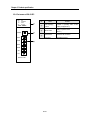
G4L-CUEA
RUN/BPS
TX/BPS
RX/BPS
ACK/DATA
NAK/PARITY
ERR/EVEN-ODD
RS-485/STOP
SYS-ERR
RUN/BPS
TX/BPS
RX/BPS
ACK/DATA
NAK/PARITY
ERR/EVEN-ODD
MODEM/STOP
SYS-RUN
RS-422
RS-232C
G4L-CUEA
RUN/BPS
TX/BPS
RX/BPS
ACK/DATA
NAK/PARITY
ERR/EVEN-ODD
RS-485/STOP
SYS-ERR
RS-422
RUN/BPS
TX/BPS
RX/BPS
ACK/DATA
NAK/PARITY
ERR/EVEN-ODD
MODEM/STOP
SYS-RUN
RS-232C
G4L-CUEA
RUN/BPS
TX/BPS
RX/BPS
ACK/DATA
NAK/PARITY
ERR/EVEN-ODD
RS-485/STOP
SYS-ERR
RS-422
RUN/BPS
TX/BPS
RX/BPS
ACK/DATA
NAK/PARITY
ERR/EVEN-ODD
MODEM/STOP
SYS-RUN
RS-232C
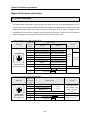
DISPLAY
DISPLAY
DISPLAY
DISPLAY
DISPLAY
DISPLAY
MODE
MODE
MODE
MODE
MODE
MODE
RS-232C
RS-232C
RS-232C
RS-422
RS-232C
RS-422
RS-422
RS-422
RS-422
RDA
RS-232C
RDA
RS-232C
RDA
RDA
RDA
RDA
RDB
RDB
RDB
RDB
RDB
RDB
SDA
SDA
SDA
SDA
SDA
SDA
SDB
SDB
SDB
SDB
SDB
SDB
SG
SG
SG
SG
SG
SG
FG
FG
FG
FG
FG
FG
RS-422
RUN/BPS
TX/BPS
RX/BPS
ACK/DATA
NAK/PARITY
ERR/EVEN-ODD
RS-485/STOP
SYS-ERR
RS-422
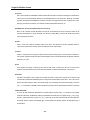
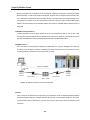
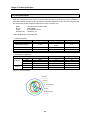
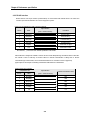
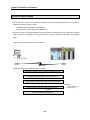
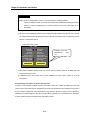
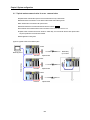
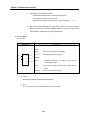
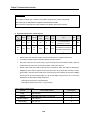
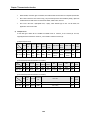
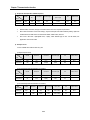
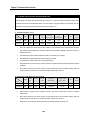
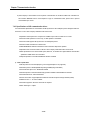
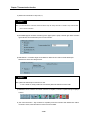
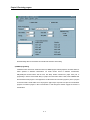
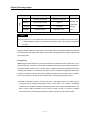
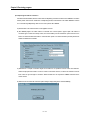
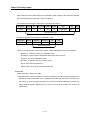
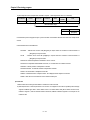
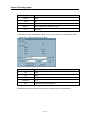
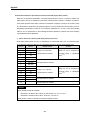
10) If remote communication cable is connected, keep the cable away from power line or conductible noise, or let it
sheltered if necessary.
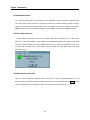
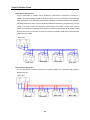
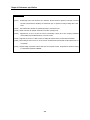
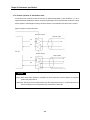
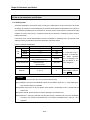
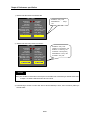
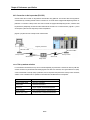
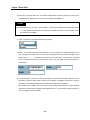
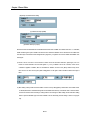
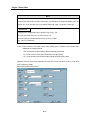
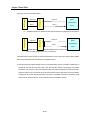
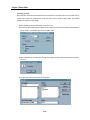
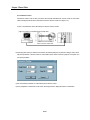
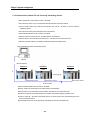
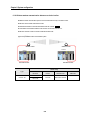
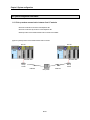
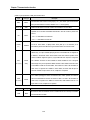
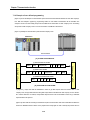
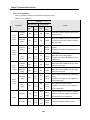
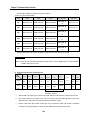
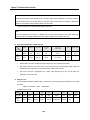
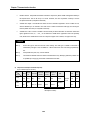
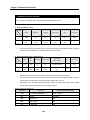
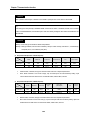
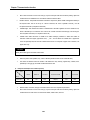
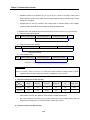
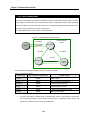
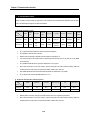
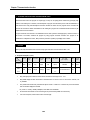
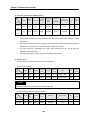
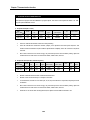
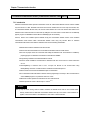
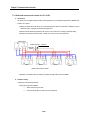
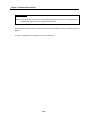
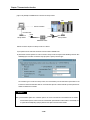
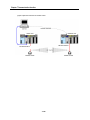
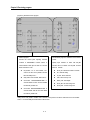
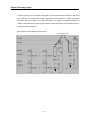
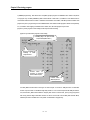
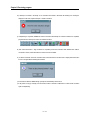
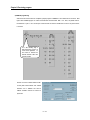
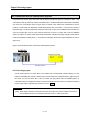
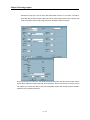
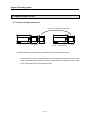
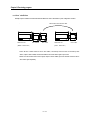
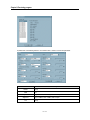
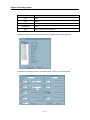
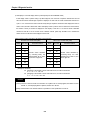
11) For connection with Cnet I/F module on rotative or mobile body, previously check communication cable if possibly
disconnected due to repetitive motion. And if danger of disconnection is ever expected, let system configured to
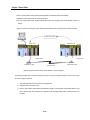
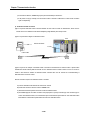
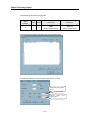
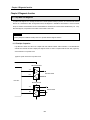
allow communication via optical modem or wireless modem. The figure below shows system configuration via RF
modem.
Wireless modem
Wireless modem
Cnet #1 station
Cnet #1 station
RS-232C interface
RS-232C interface
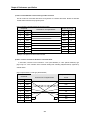
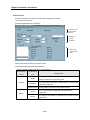
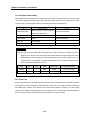
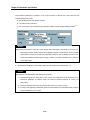
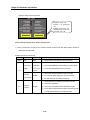
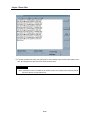
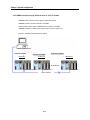
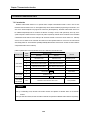
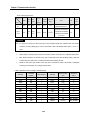
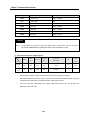
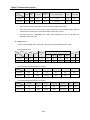
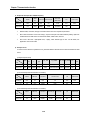
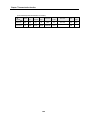
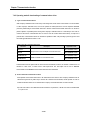
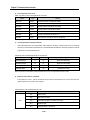
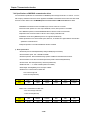
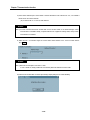
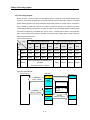
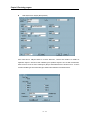
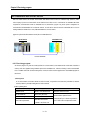
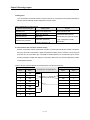
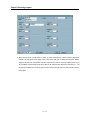
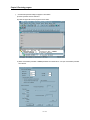
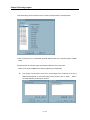
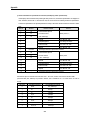
12) If in modem communication, connect Cnet module with modem via modem connection cable and then with dedicated
line or public line.
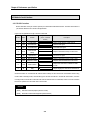
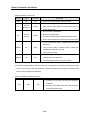
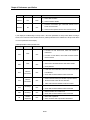
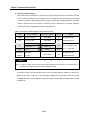
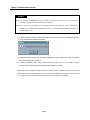
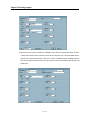
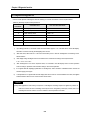
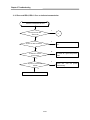
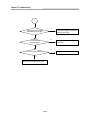
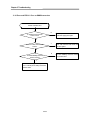
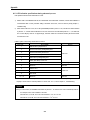
13) If LED operation is not normal, refer to Chapter 11 Troubleshooting in this manual to inspect the cause and take action
based on action items. If yet not normal, contact service station.
10-5