1
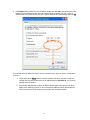
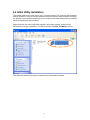
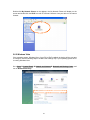
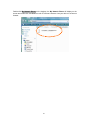
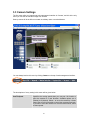
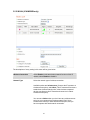
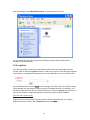
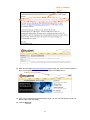
All camera-related information will be displayed here. If you wish to connect to certain camera by
web browser, double-click the camera listed here.
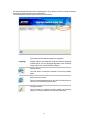
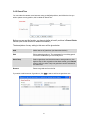
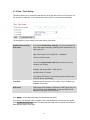
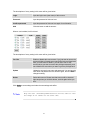
The camera admin software also provides several functions:
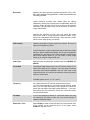
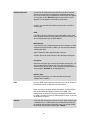
This camera admin software supports 3 languages:
Language
English, Chinese, and Japanese. User can select the language
oneself wish to use from language dropdown menu located at
upper-right corner of camera admin software.
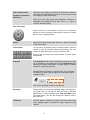
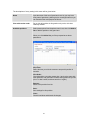
Search camera:
Click this button to search all cameras on local area network
again.
Browse camera via web:
Select a camera listed above first, and then click this button to
connect to the camera by web browser.
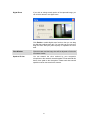
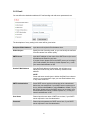
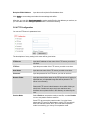
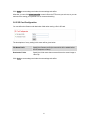
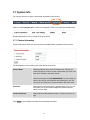
Configure camera:
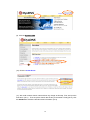
Click this button to configure camera’s network and security
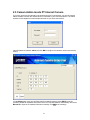
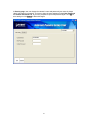
setting. You’ll be prompted to input camera’s password:
21

![Internet Camera - [ [ [ ANSEL ] ] ]](http://vs1.manualzilla.com/store/data/005837536_1-ce302c6b28431aa03d9b92e65549b72a-150x150.png)